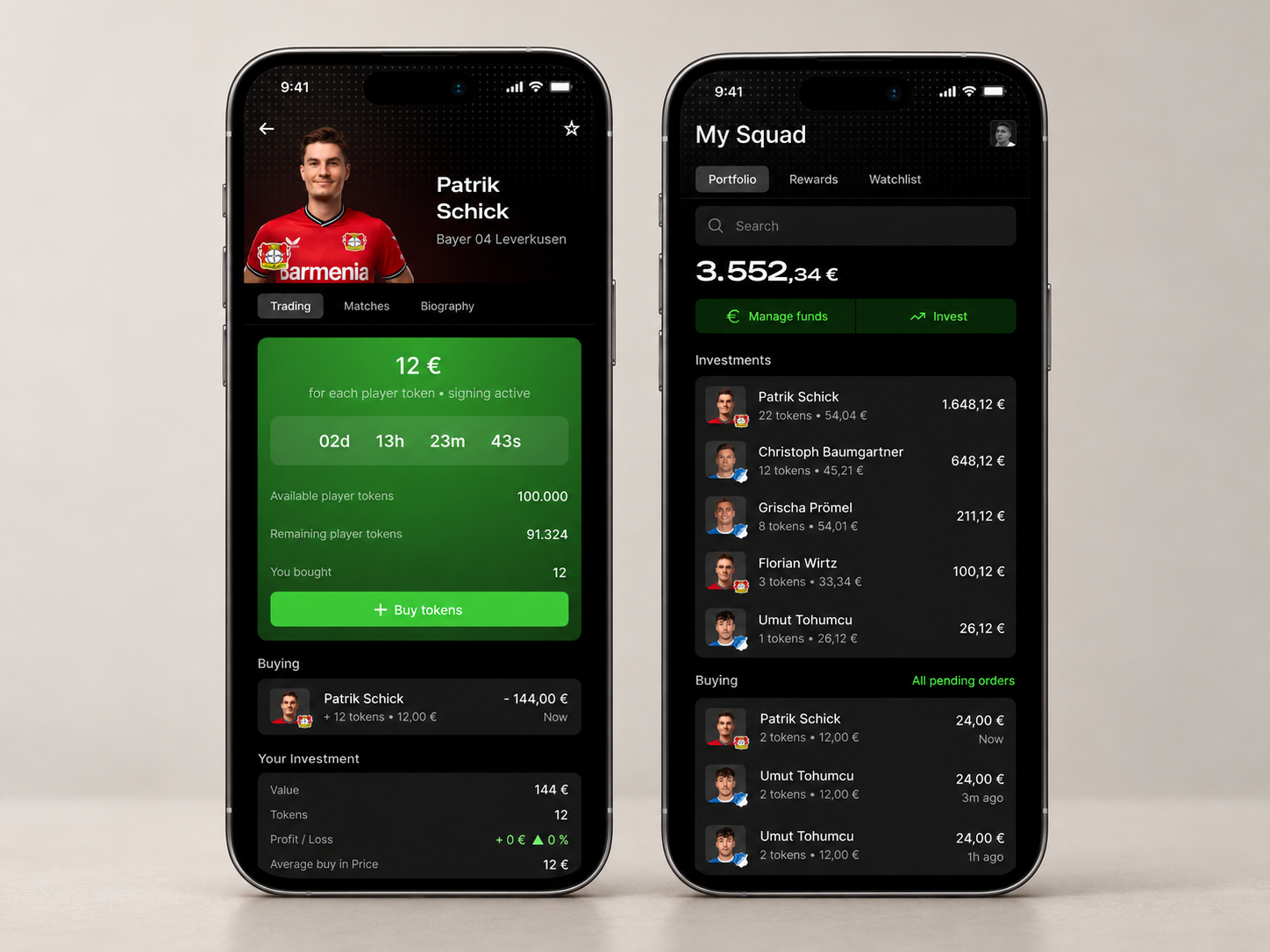
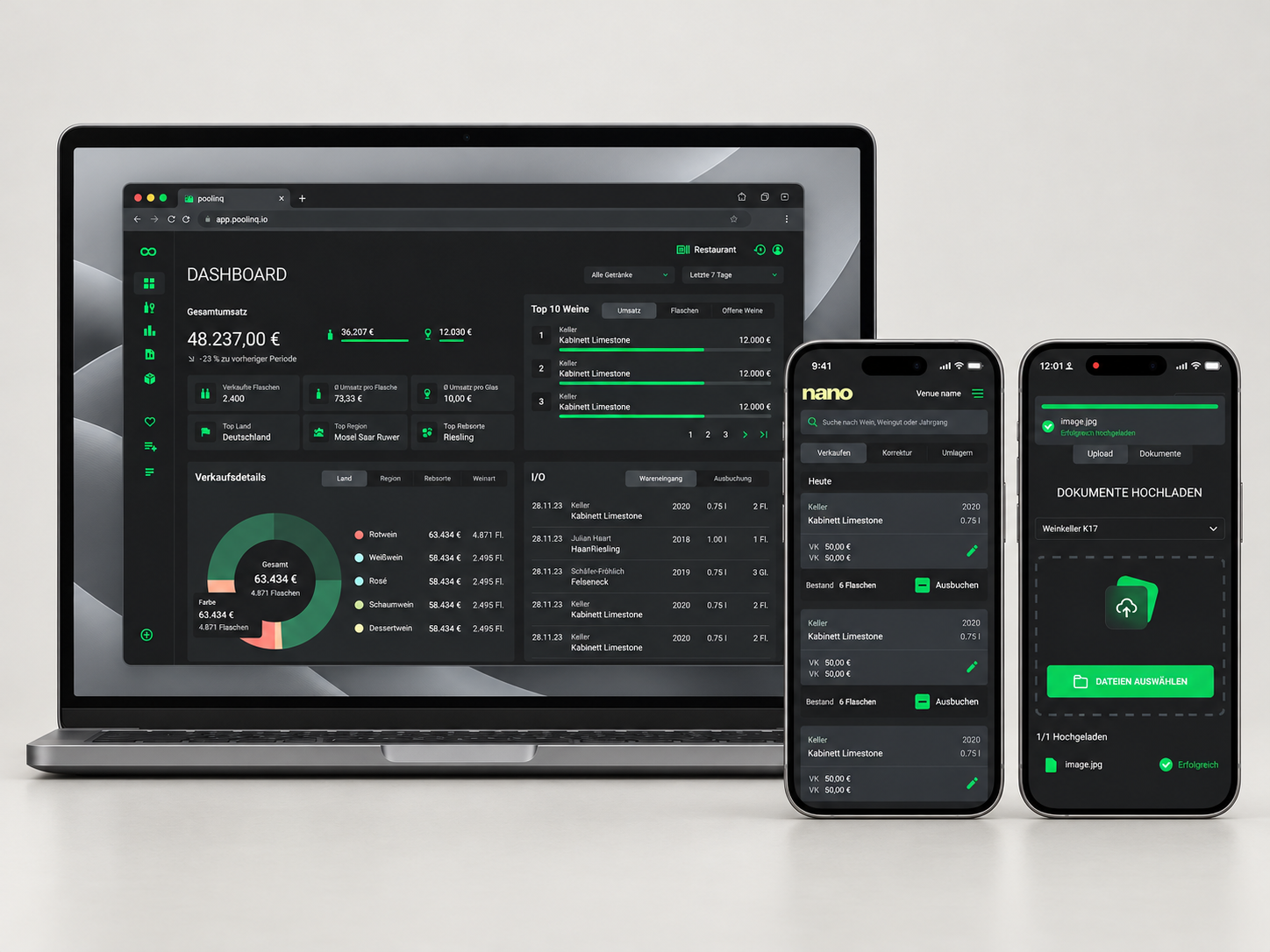
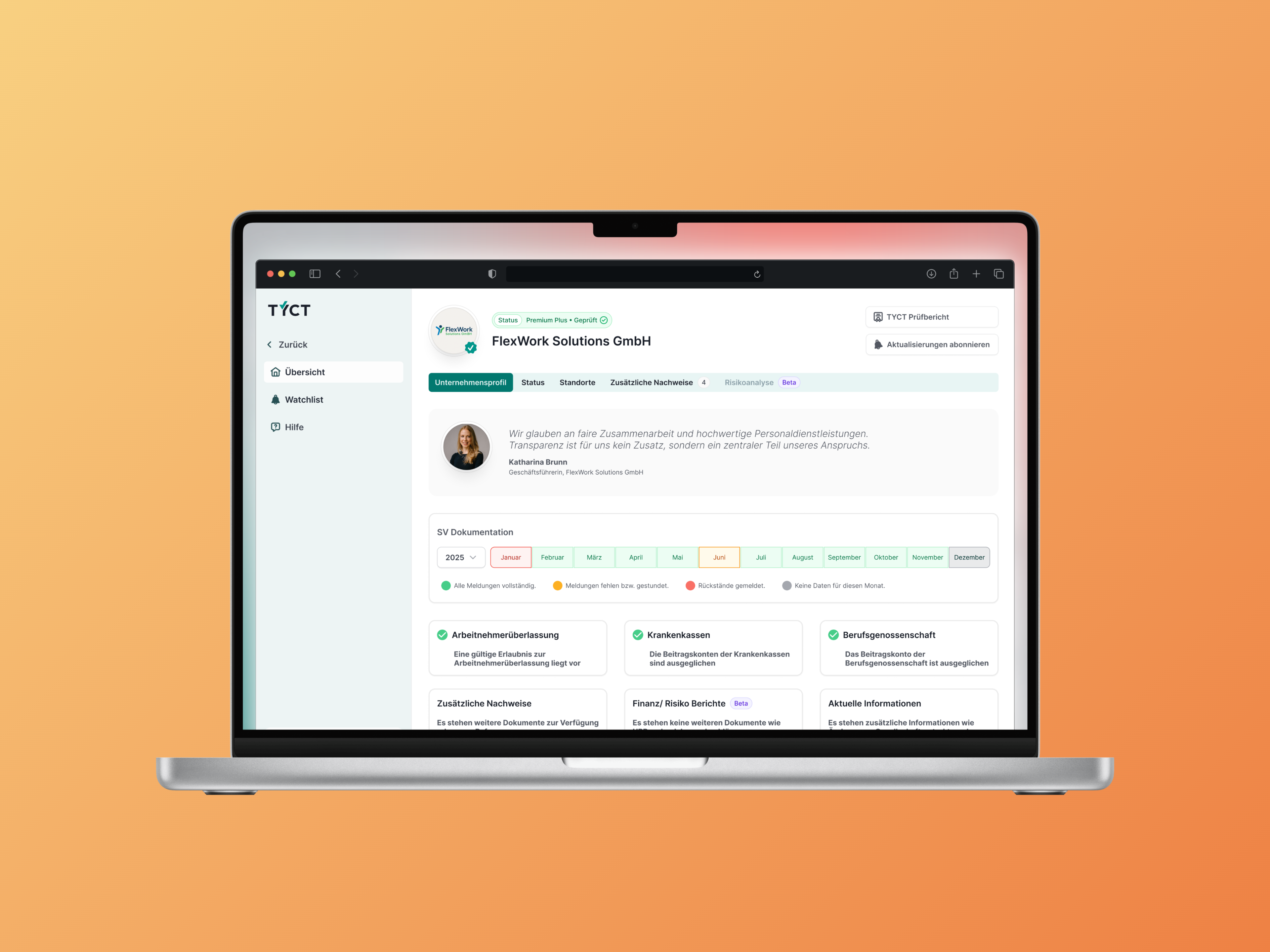
Create a training run and choose the analysis objective.
01 Product orientation
Connecting projects,
data and training.
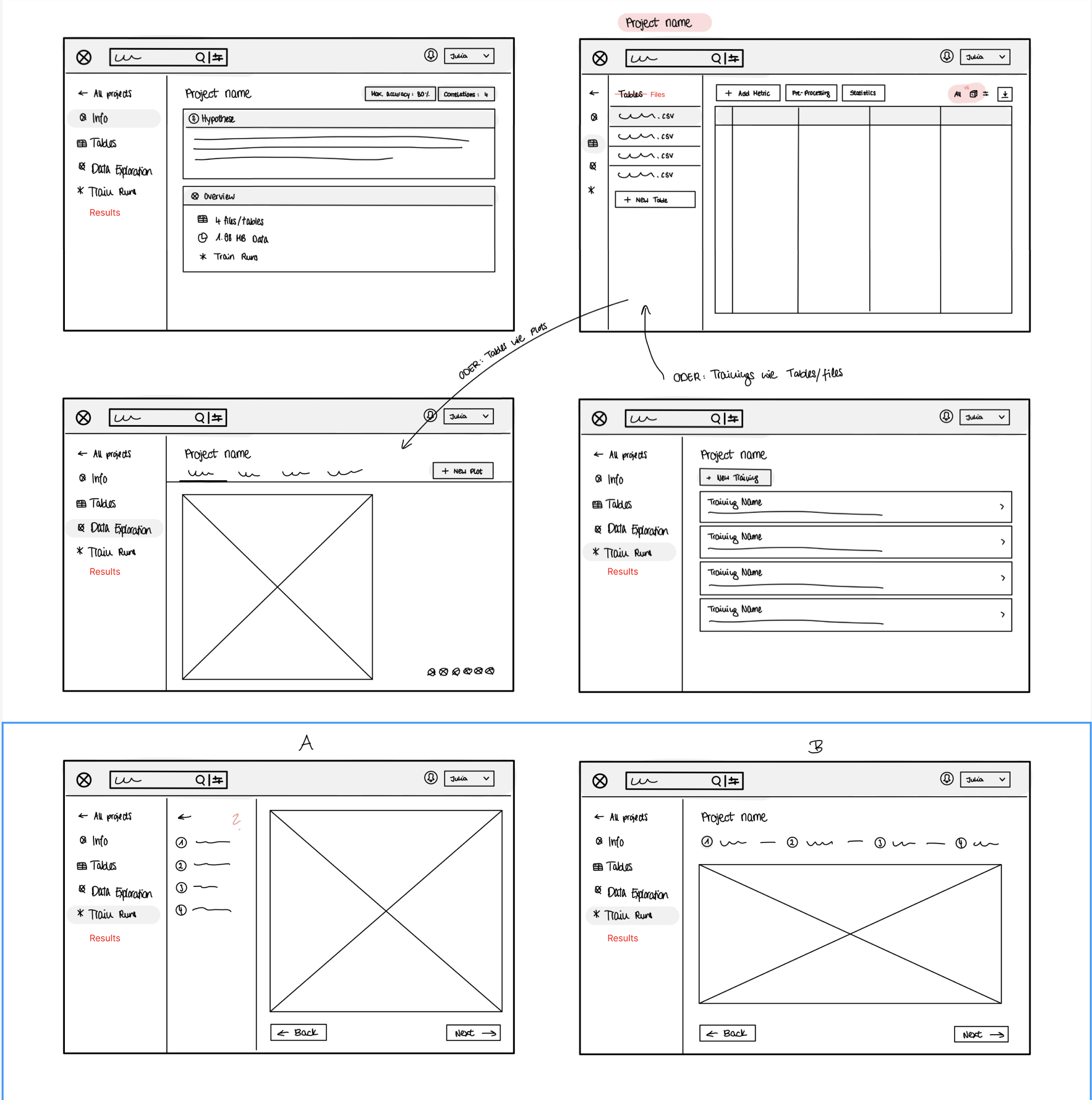
The application combines a project and its data, tools for exploring that data, and training runs with their own settings and results. Navigation needed to distinguish those levels while making their relationships clear.
The sketches give the project a stable frame. Information, tables, exploration and training form distinct areas, each with its own tasks, such as selecting a table, creating a visualisation or opening a training run.
Our scope extended from onboarding and project creation to data and training views. Under my leadership, we developed a shared UX for these connected tasks.
Variants in the working material
Distinguishing two levels of navigation.
Sketches A and B explore where training steps belong: in an additional vertical column or horizontally above the workspace. Project areas remain accessible on the left in both variants.
The design question was how to guide users through training while retaining project navigation. The detailed training view uses horizontal steps; the sketches document the layouts explored and their relationship to the workspace.
02 Connected flows
From starting training
to reviewing results.
Training starts with several domain-specific decisions. The design breaks them into four steps: analysis objective, target selection, feature selection and model recommendations. A step indicator shows progress, with back and next actions connecting the decisions.
This gives configuration a sequence. Users first choose an objective such as prediction, classification or clustering; model recommendations have their own later step. The domain choices become successive interface views.
Results are also organised by task: the processing pipeline, applying the model to new data and evaluating performance. Data information, preprocessing and further steps remain accessible within the pipeline. Figma connections show how the views and dialogs link in the prototype.
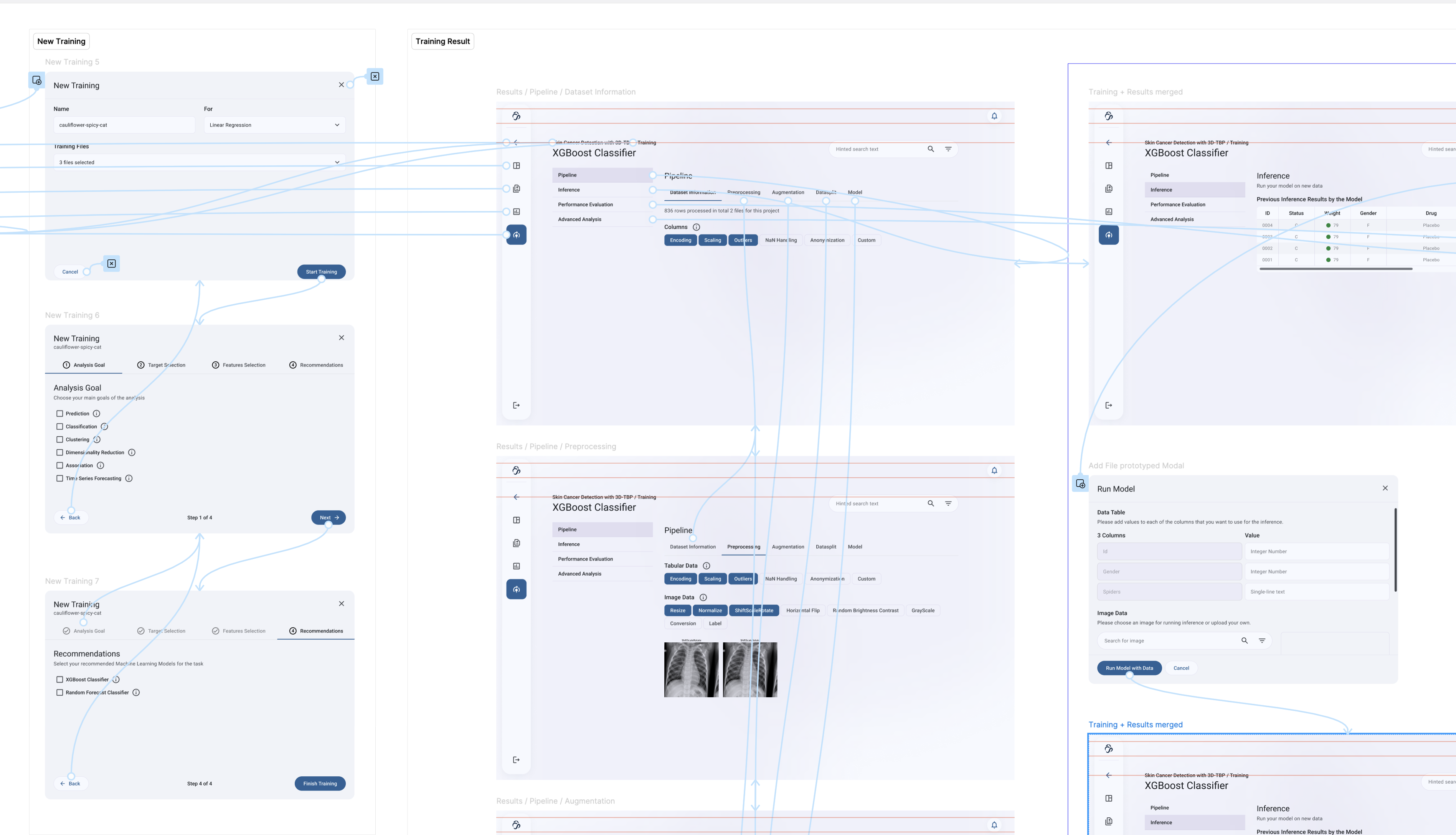
Present the remaining decisions in sequence.
Make the pipeline and results accessible in structured views.
03 Design foundation
Making recurring elements
consistent.
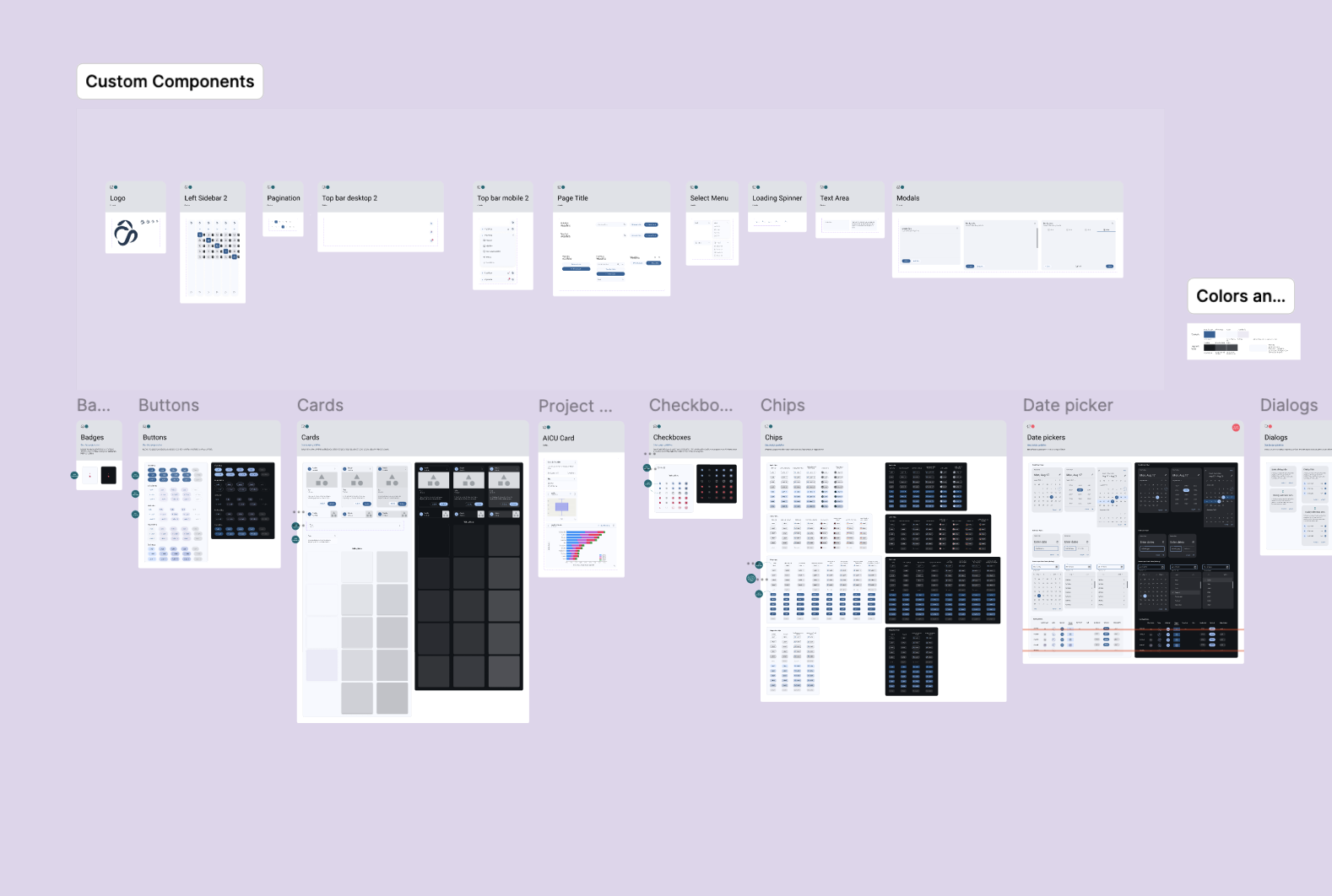
The structural redesign needed a shared visual foundation. Navigation, inputs, dialogs and cards should work consistently across the different areas.
The component board combines general UI elements with application-specific ones. It connects the many individual views: domain content varies, while shared controls provide a familiar frame. We later developed the colour palette and interface further.
04 Workflow & prototype
Showing processing steps
as a workflow.
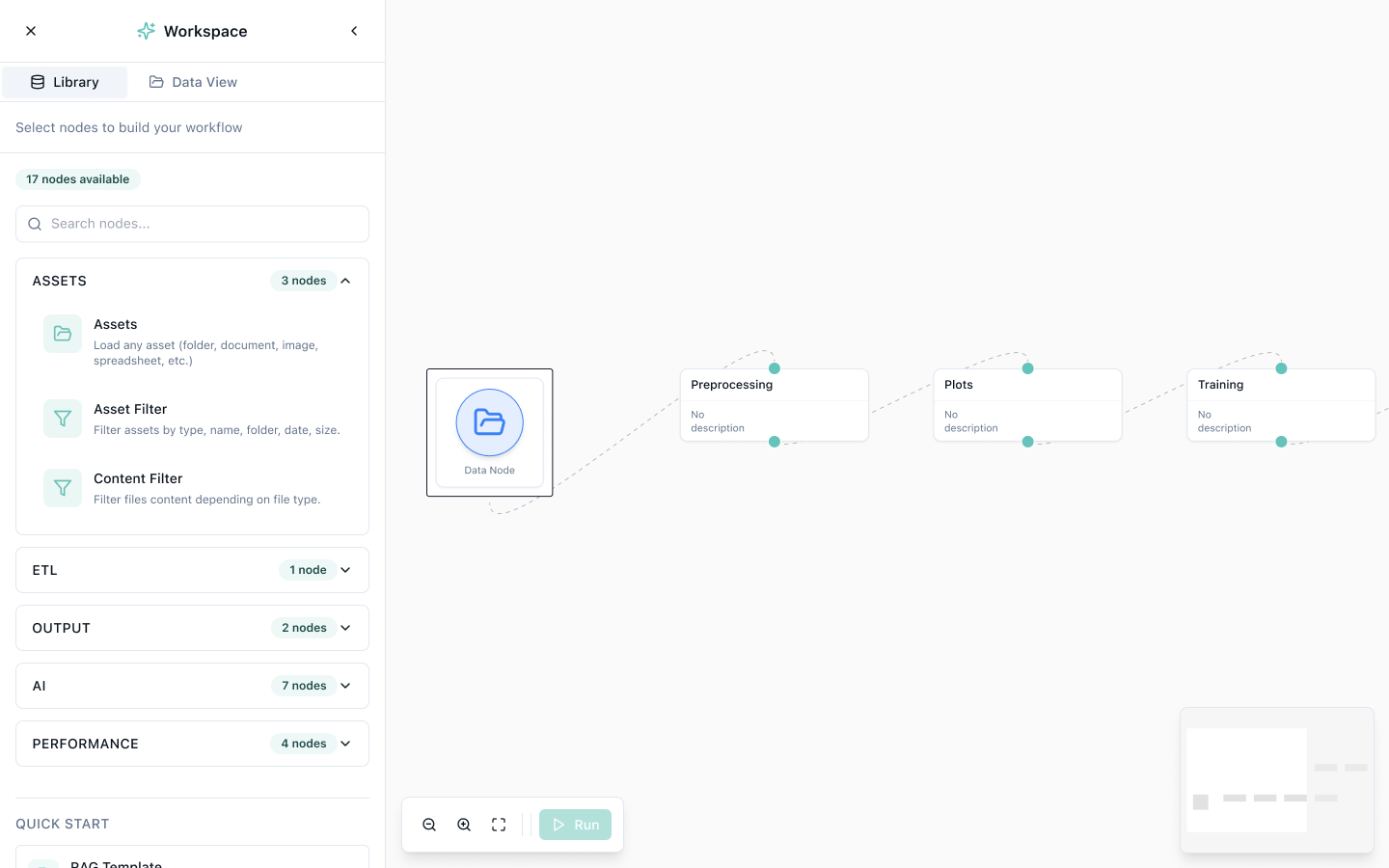
AICU introduced the node-based workflow idea. Our contribution was to translate it into an interface and prototype.
The study divides the interface into a library and a canvas. Categories and search help users find building blocks on the left; the canvas shows connections between data, preprocessing, visualisation and training.
The design supports finding available steps and understanding their relationships. Zoom controls and a minimap provide additional orientation. These elements are part of the design study.
We built the later prototype together under my leadership. Much of the work used AI-assisted coding, connecting design and prototype implementation.
05 My responsibility
Leading the redesign.
Developing it with the team.
I was responsible for client communication, design decisions and delivery on the userdoo side, including guidance of the designers involved.
I led the overall direction and coordinated the detailed work with my team and AICU. Together, we connected product structure to data views, configuration steps and recurring controls.
The client brought the Node View idea. I led its design and prototyping with the team; the later AI-assisted implementation was also a joint effort under my leadership.
Collaboration
My contribution
Project and design leadership, client coordination and design-team guidance
Tommy Haacke and team
Design of key views and prototype development
AICU
Domain context and the node-based workflow idea
Outcome
Evaluating product decisions through concrete workflows.
The client team could discuss and refine navigation and training workflows using concrete screens. Shared components connected previously inconsistent areas. The node prototype made the client’s workflow idea available for interactive exploration.
Navigation & projects
Redesigned entry points, project creation and project overviews.
Data & training
Detailed data views, visualisations and training flows.
Node View
Design and prototyping of the workflow idea proposed by the client.