Design & collaboration
Figma
Foundations, components and product views in a shared workspace.
- Developing interfaces and flows
- Discussing variants together
- Incorporating team feedback
Hotels and restaurants use poolinq to manage their beverage inventory. Drop uses AI to import invoice data, while Nano focuses on quick stock adjustments. A shared design system supports further development across the applications.
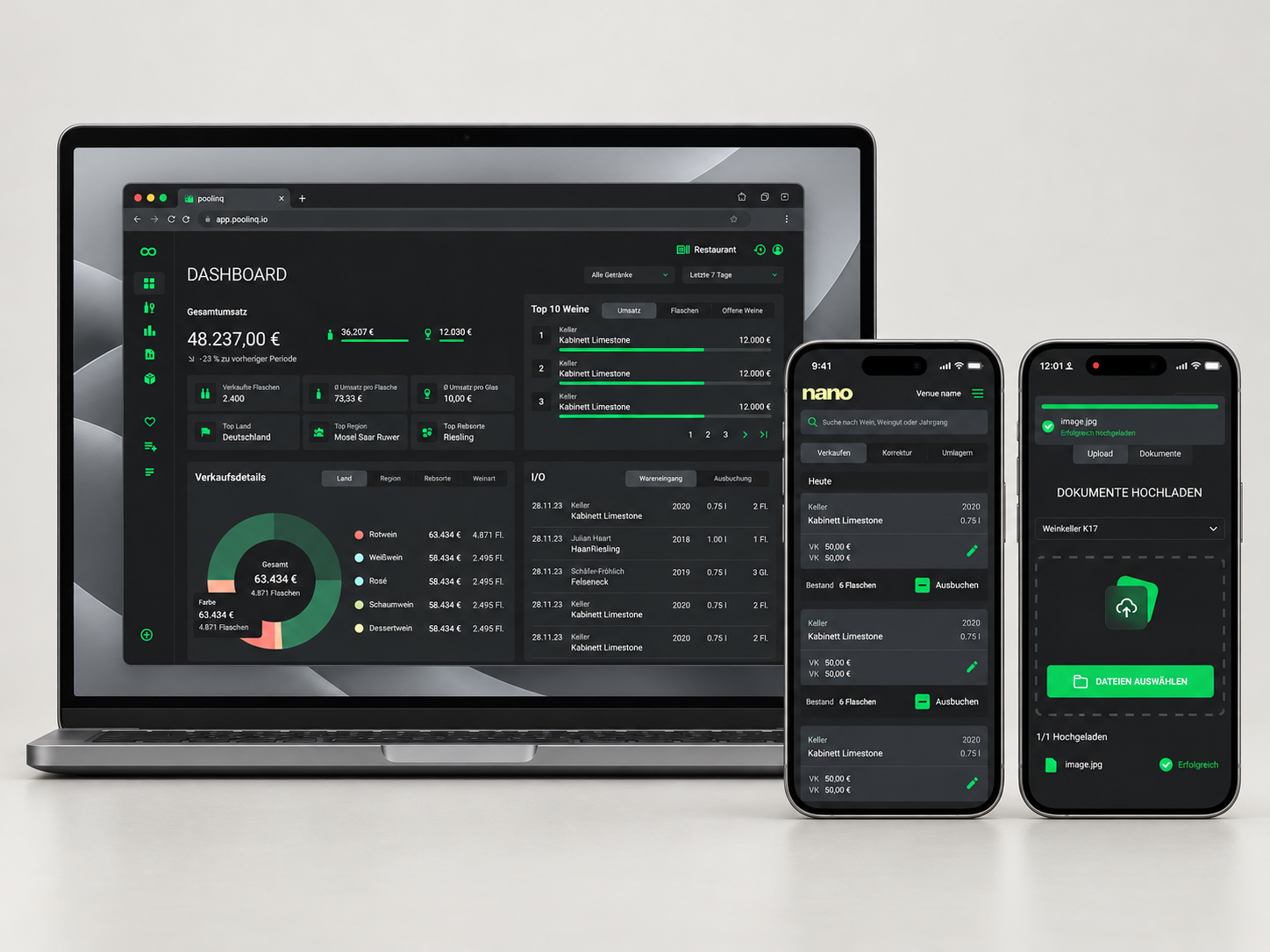
Professional wine cellars were often managed in Excel. We started with digital wine inventory and learned from early use in hotels and restaurants. Manually entering incoming goods remained a recurring burden.
As co-founder, I lead UX and design. My co-founder brings customer feedback and expertise as a sommelier. I prepare and lead our joint design sessions and develop the solutions.
Customer feedback led us to expand from wine to all beverages, adding stocktaking and reporting. We developed AI-assisted invoice processing for incoming goods. With my co-founder, I worked through the process from invoice to inventory entry, then designed an entry point focused on capturing and uploading invoices. Drop packages this workflow in its own app; Nano focuses on quick stock adjustments. A shared design system connects Figma, tokens and Storybook. I now implement the frontends for Core, Drop and Nano with AI assistance.
With Drop, customers upload invoices and AI transfers the data into inventory. The supported workflow removes the need to enter individual invoice lines manually; our team resolves ambiguous product matches.
01 The beginning
A usable first product before the full scope was defined.
There was no existing application to redesign. We started from the observation that many wine cellars were managed in Excel and wanted to build a tool suited to sommeliers' work.
The first version focused on inventory: creating and editing wines, recording prices, finding products and removing bottles from stock. Search was included from the start.
Customers were already using the product before we built stocktaking. That gave us a basis for identifying the next needs from actual operations.
Our collaboration
Customer contact, wine expertise and feedback from hospitality businesses
UX concepts, facilitation and detailed design
Discussing product ideas and developing solutions
02 Learning from customer feedback
Operational needs expanded the original product scope.
Early feedback showed how different a professional operation is from a private wine cellar. Sales go through the till; removing bottles manually captures only part of that workflow. Till reports therefore became an important consideration for further product development.
Other feedback was direct: why only wine, and not gin or other drinks? We expanded poolinq to the full beverage inventory and added lists, reports and stocktaking.
Businesses also needed to know what had arrived and the value of their current stock. My co-founder brought these needs into our work, and I translated them with him into Core's workflows and interfaces.
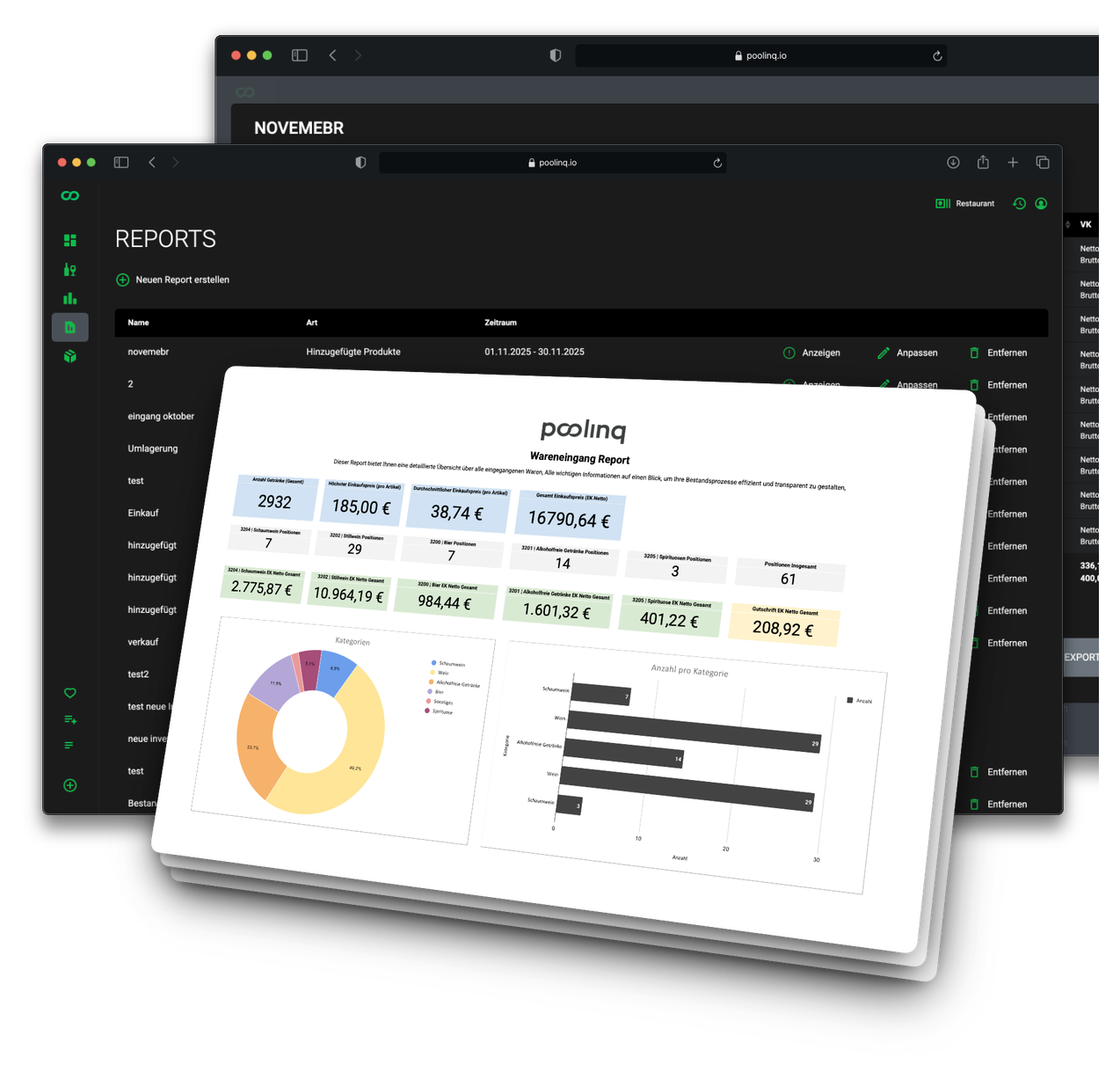
A digital wine list became a tool for ongoing inventory work, with information relevant to restaurant managers and hotel operations as well.
03 poolinq Drop
A dedicated entry point for a recurring task.
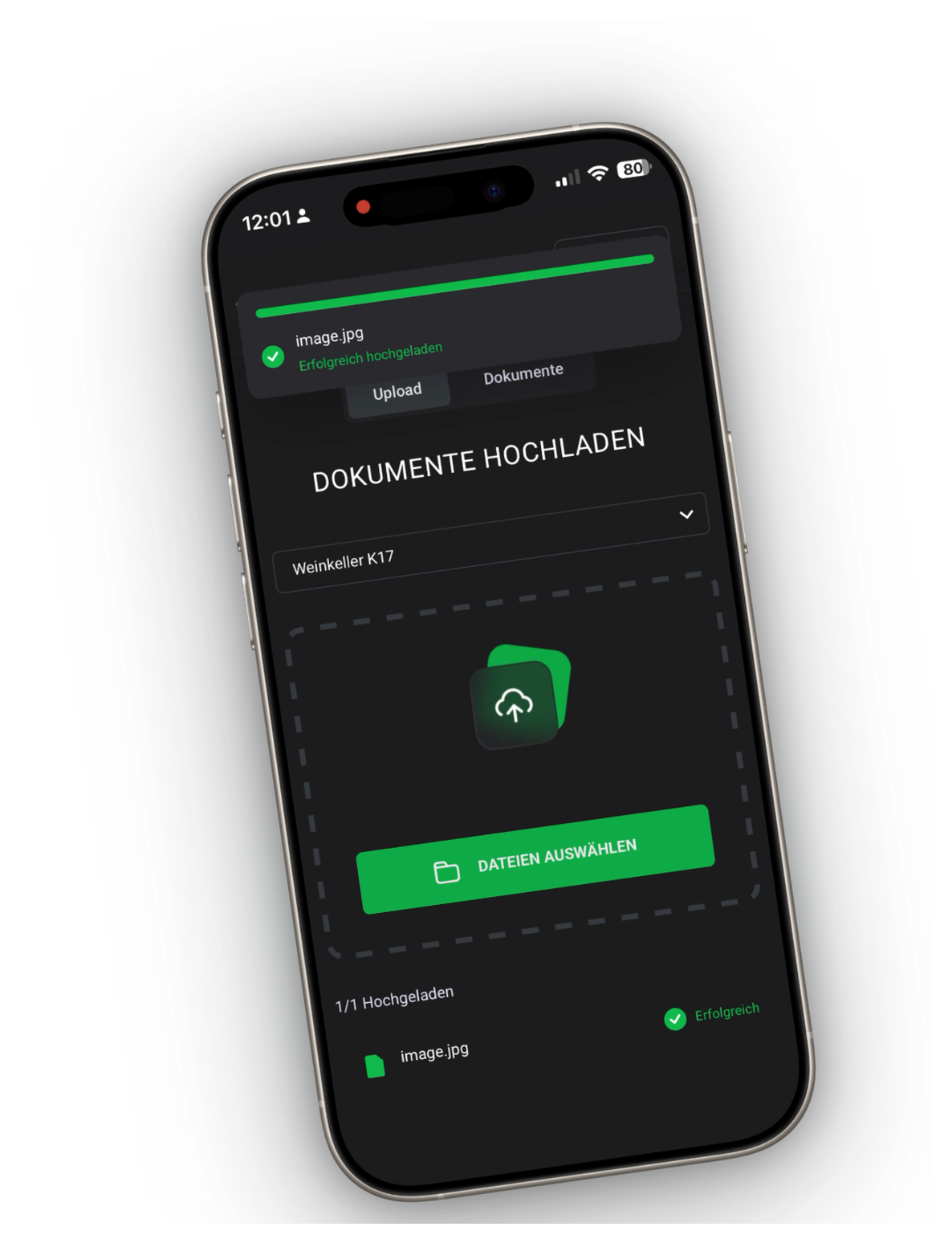
Before AI-assisted invoice processing, customers entered incoming goods manually in poolinq. That was time-consuming. We wanted to replace that recurring effort with a simple flow: upload an invoice and have its data transferred into poolinq. AI extracts suppliers, products, quantities and purchase prices, then synchronises the data with inventory.
With my co-founder, I worked through the process from invoice to stock entry. I designed a customer flow focused on capturing and uploading the document. We then developed Drop as our first companion app, dedicated to invoice capture and upload on desktop and mobile.
This gives customers an entry point separate from Core's many other tasks. If a product match remains unclear, our team resolves it with the customer when needed.
04 poolinq Nano
Stock removal, transfers and corrections in a focused interface.
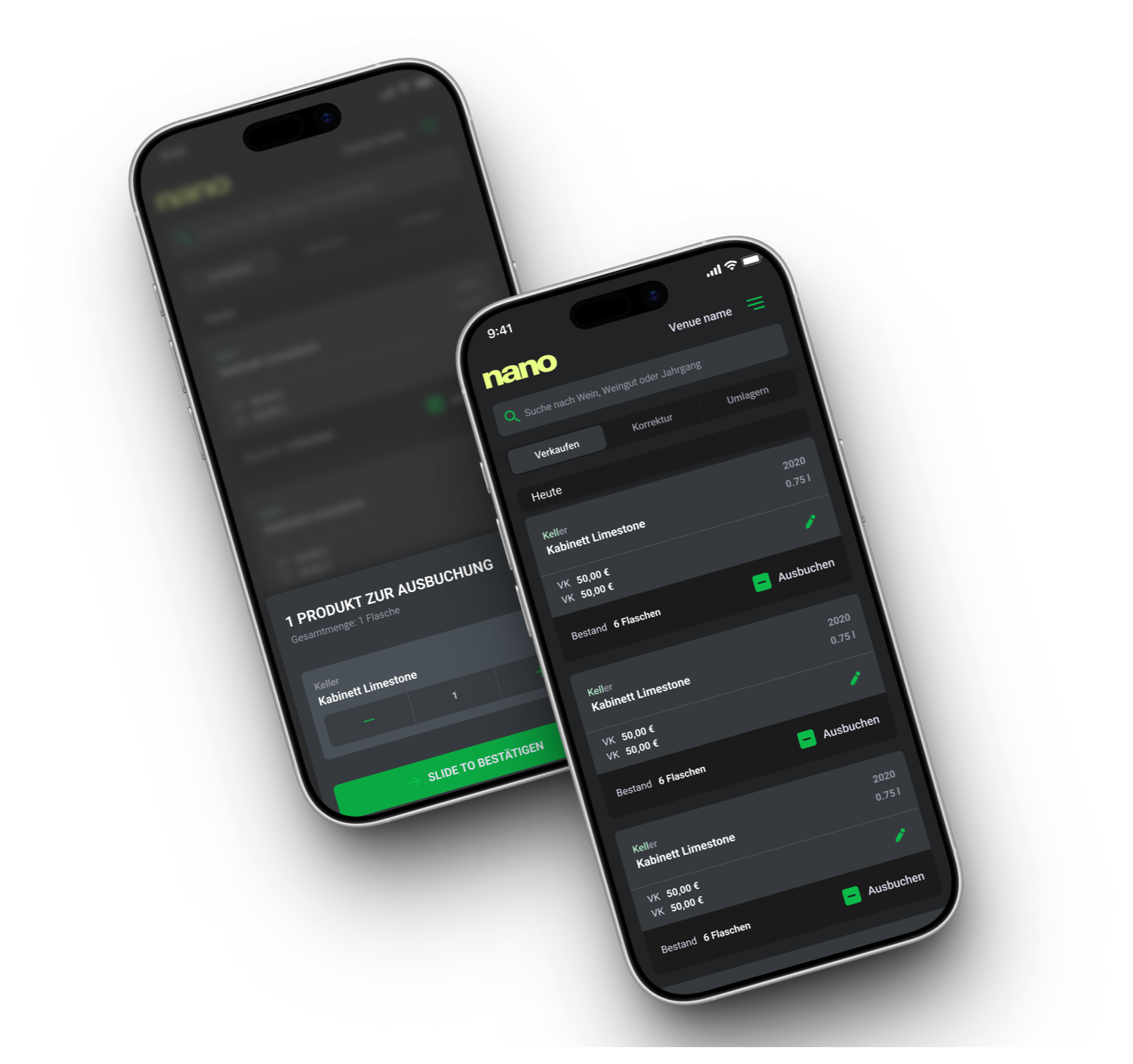
Someone adjusting stock does not need the full reporting, stocktaking and administration application. We developed Nano as a second companion app dedicated to this task.
The interface brings together product search, stock removal, transfers and corrections, focusing on day-to-day operations.
My contribution to Nano now extends beyond design: I implement the frontend in Vue with AI assistance, using our shared tokens and Storybook components. The development team remains responsible for the backend.
From Figma design to the Vue interface.
05 Design system
The design system connects collaborative design with components used in the product.
Multiple applications need a shared foundation. Our design system has two connected parts: design in Figma and implemented components in Storybook.
In Figma, we develop interfaces together and gather team feedback. Storybook makes reusable components, variants and states tangible. Nano already uses these components in the application.
Design & collaboration
Foundations, components and product views in a shared workspace.
Components & application
Implemented Vue components as a reusable foundation.
My AI-assisted workflow for Nano.
A concrete example
The product card in Storybook has variants for stock removal, corrections and transfers. Nano uses this shared Vue component and connects it to the application's product data and actions.
The design system is therefore part of the actual product implementation and continues to be reused there.
My contribution
Drop removes manual entry of invoice line items in the supported workflow; our team resolves unclear matches. Nano brings stock deductions, transfers and corrections into a dedicated interface. Shared components support further product development and are already used in Nano’s Vue interface.
UX and design for a new product, developed with domain expertise and customer feedback brought into our collaboration by my co-founder.
Core for comprehensive inventory work, Drop for invoice uploads and Nano for quick stock adjustments.
A design system in Figma and Storybook, plus AI-assisted frontend implementation for Core, Drop and Nano.
Product development continues. We are currently working on poolinq 2 and further developing the applications.
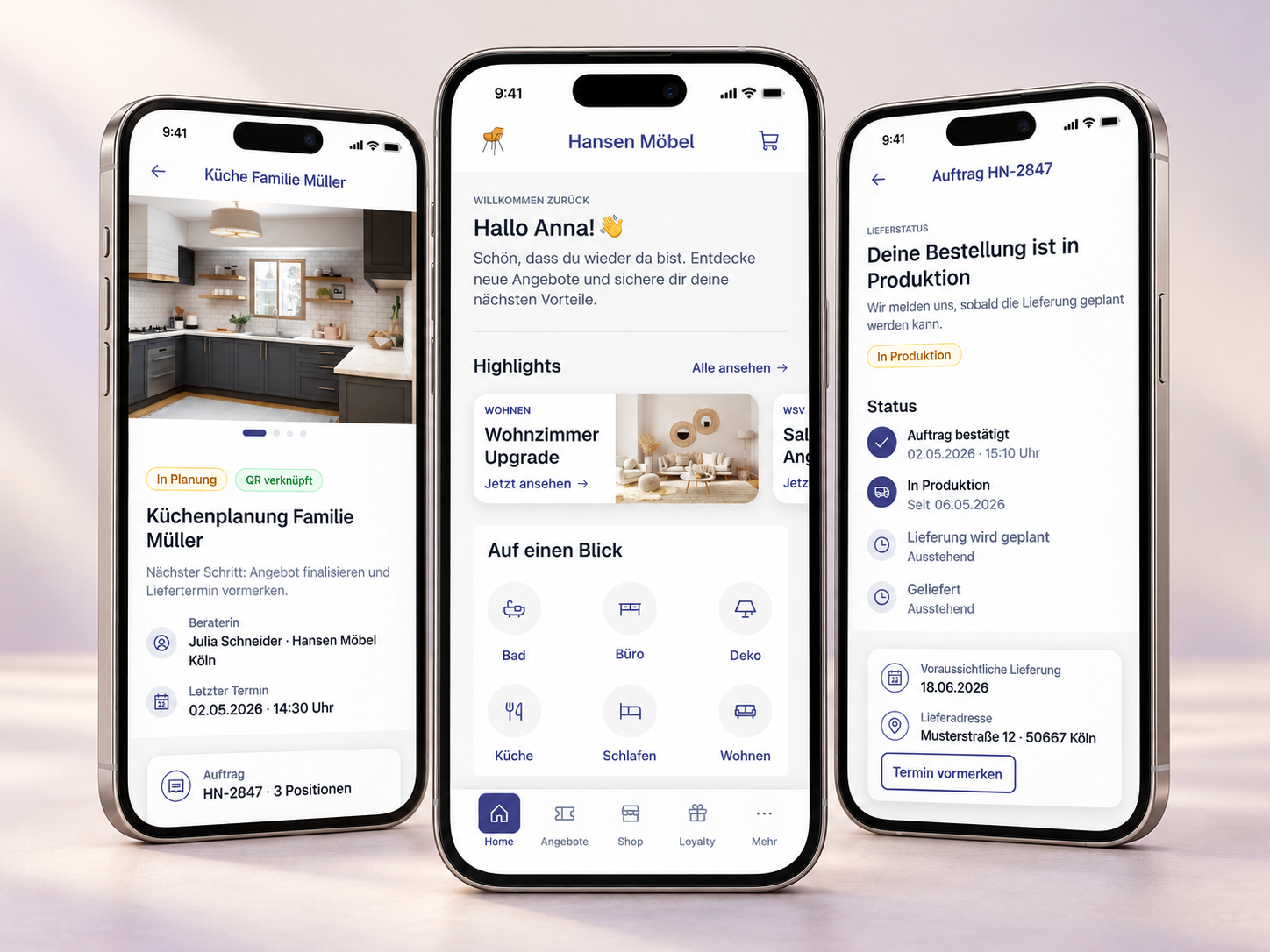
A shared app foundation for additional furniture brands: reusable components and custom branding tools enable the design and interface to be adapted.
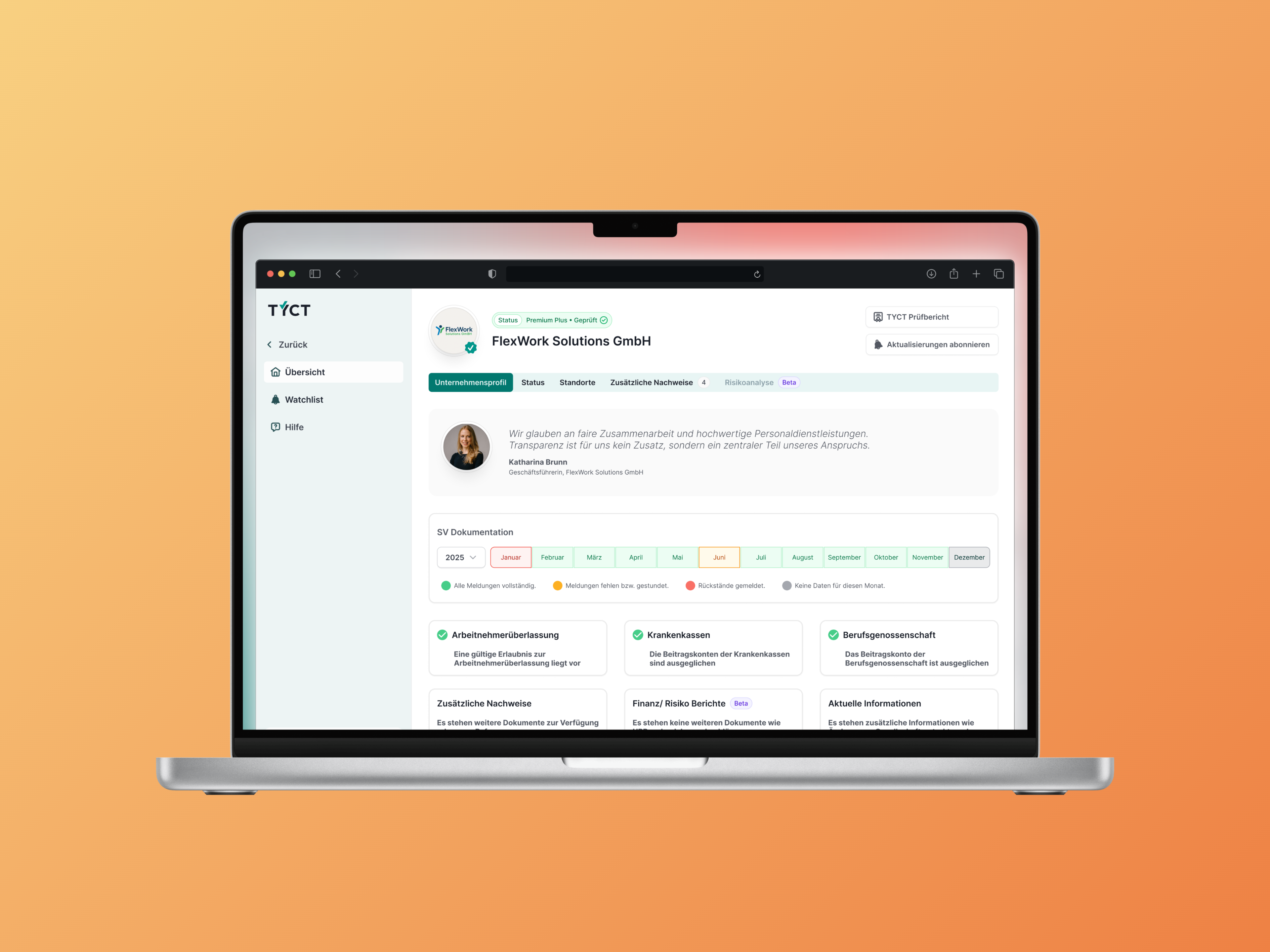
Development could build on implemented UI components. Recurring elements did not need to be redesigned for every verification workflow.
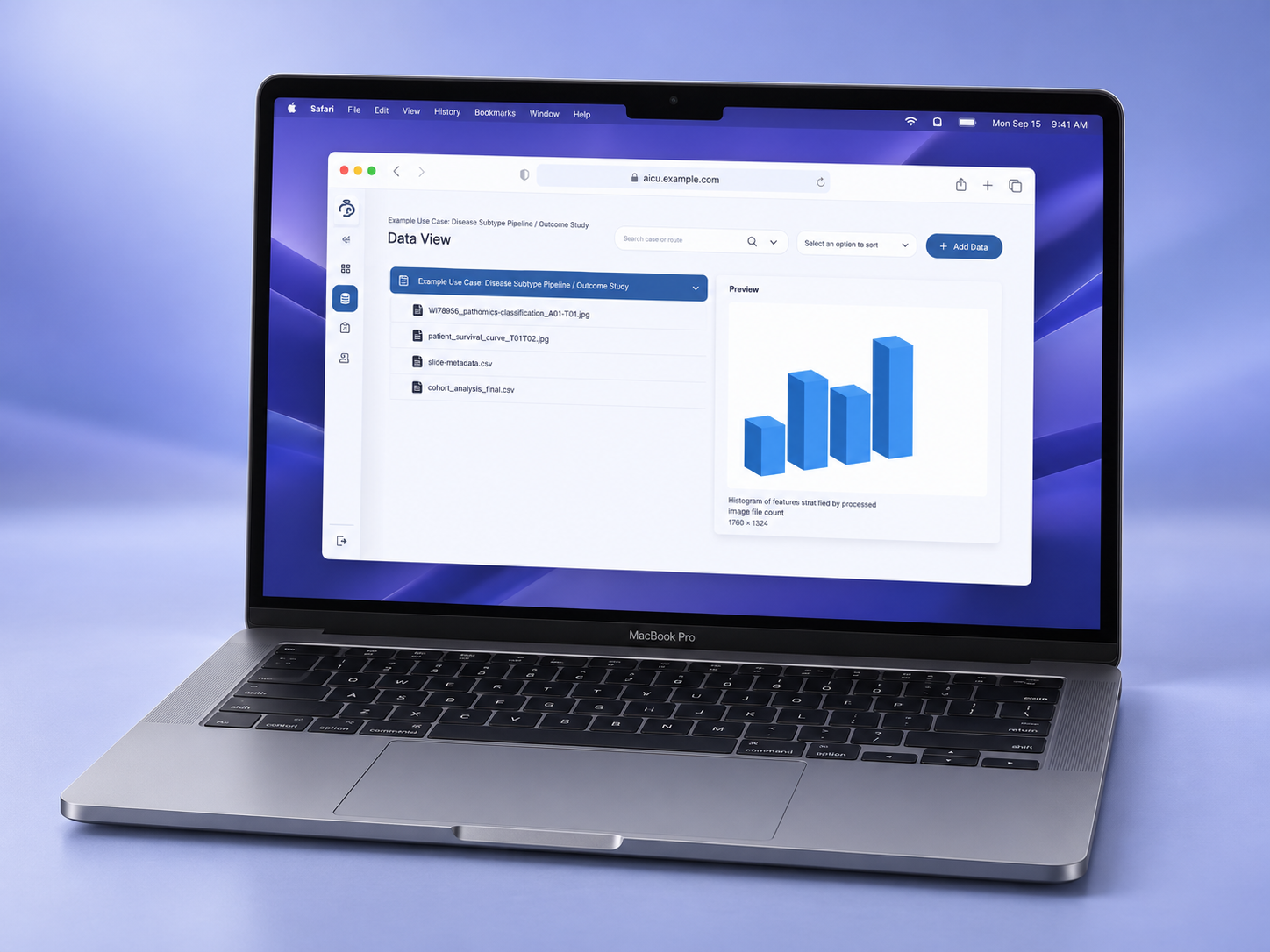
The product team gained connected workflows for data analysis and AI training. An additional prototype made a node-based product approach available to explore and test.