Holdings and pending activity
Portfolio, balance and active orders need a clear relationship. “My Squad” brings them together in one overview.
Together with product management and engineering, we turned an early idea into a detailed product concept. User flows, UI and a design system clarified how registration, trading and order management should work, giving engineering a shared foundation.


TRADAR connected football, licensed player tokens and trading. A product idea and early designs existed, but how the flows would work for the business, technology and users emerged through joint product discovery.
As Principal, I held project responsibility on the userdoo side and advised on UX and product questions. A designer from my team was the Design Lead. We developed the work closely with product management and development.
We used open product questions to guide discussions with product management and development. Concrete user journeys helped clarify rules and their implications for screens and error cases. My team developed the flows, UI and design system; I supported decisions as Principal.
Product management and development could advance the complex idea using concrete flows, states and components. Open questions were resolved down to interactions and implementation requirements.
01 Product structure
TRADAR needed to connect sporting information with financial transactions. A player could be part of a user's portfolio, the subject of a purchase offer and involved in a live match at the same time.
We examined these relationships and worked on navigation and user journeys. The project documents connect structure to practical questions: where are my holdings, how do I find a player, and what happens to an open order?
The requirements map contains fundamental questions: what affects a player's value, how often is it updated, and when is trading possible? These show that UX work extended into defining the product model itself.
A player profile needed different information and actions depending on context. Sporting information, personal holdings and available offers had to fit together. Structure and the design of these states were closely linked.
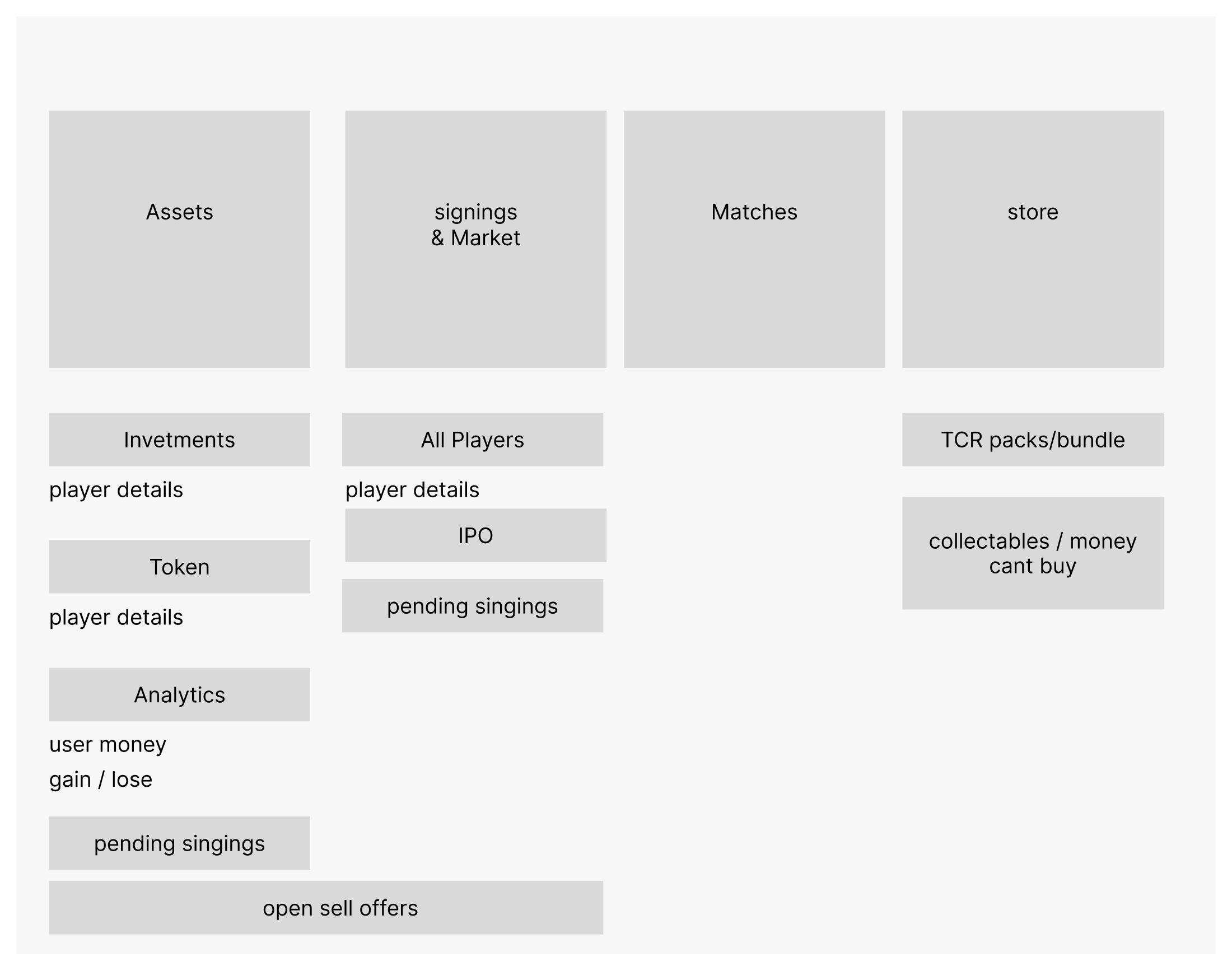
Portfolio, balance and active orders need a clear relationship. “My Squad” brings them together in one overview.
The player view connects sporting context with offer status. Designs account for active offers, sold-out tokens and no available offer.
02 Registration & identity
Onboarding involved account creation, personal details and identity verification through an external service. The transitions needed as much attention as the forms themselves.
Video identification makes this particularly clear. We designed preparation, permissions and recovery from a failed start so users could understand what to do next.
In my analysis, I questioned why registration already asked how users had heard about TRADAR. I also commented on password requirements and introducing key features. Our advice therefore covered which information was needed at which stage.
The requirements map separated account creation, personal details and external verification. For later checks, I asked what users should see and whether they could do anything beyond waiting. The resulting TRADAR screens explain prerequisites, identify missing permissions and offer another attempt after a failed start.

Before the video call, show the documents and technical requirements needed.
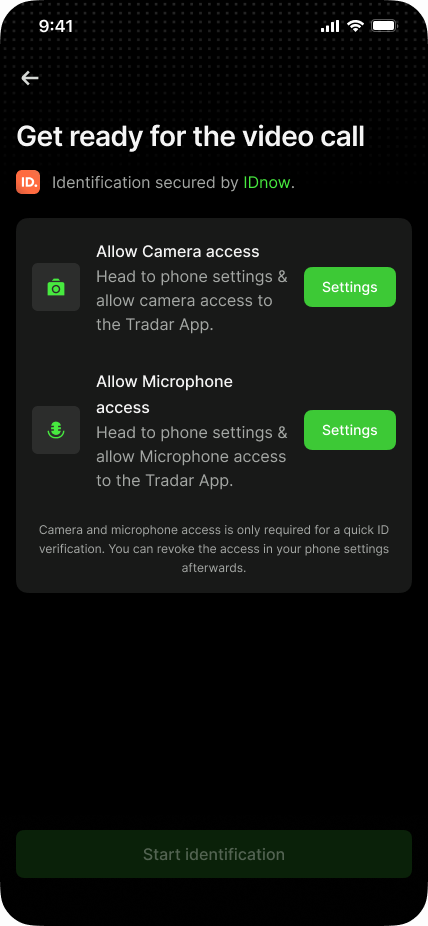
If camera or microphone access is missing, the design explains why it is needed and guides users to settings.
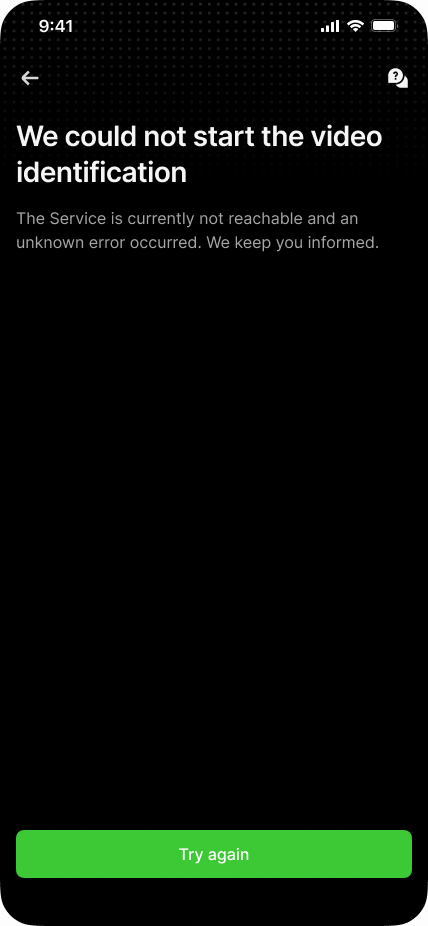
If identification cannot start, the interface explains the failure and offers a retry.
TRADAR screens around external IDnow verification. The identification provider's own interface is not shown.
03 Players & transactions
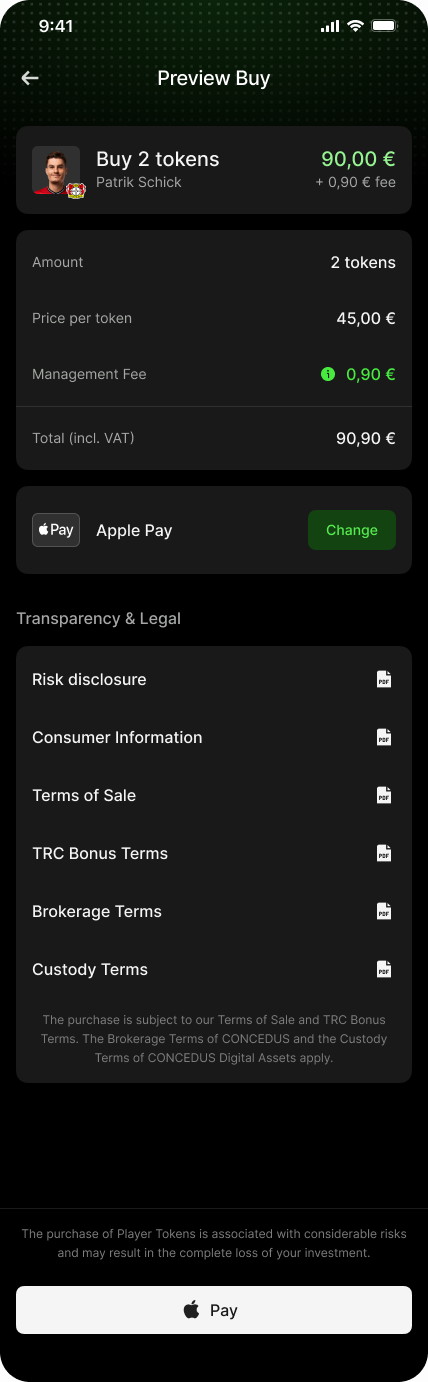
Token quantity, euro amount, fees and payment method needed to align clearly throughout the purchase flow.
The team analysis identified a specific contradiction: the interface displayed euro amounts but expected a number of player tokens as input. The meaning of the entry was therefore unclear before checkout.
The detailed purchase preview separates these values: token quantity, unit price, fee and total each have their own row. Users can review and change the payment method before confirming. Documents and a risk notice are also included.
We designed the steps from offer through input and preview to confirmation, including limits, error cases and open-order management. This makes the connection between clear input and an informed purchase decision visible in one flow.
The player view connects the active offer with price, availability and personal holdings. Matches and biography add sporting context.
Upper excerpt of a longer player view.
The preview combines quantity, unit price, fees and total. Payment method, documents and risk information remain accessible before confirmation.
Original design with sample prices and fees.
04 Design system & collaboration
Players, token quantities, value, order status and actions recur throughout the app. We developed reusable components and presentation patterns for them.
The component overview distinguishes open orders, market orders and orders being processed. A live card connects a player with match status and rewards; offer patterns compare price, quantity and total. Shared components needed to reflect these different meanings and states.
Design was coordinated closely with product management and development. As Principal, I held project responsibility at userdoo and supported UX and product decisions. A designer on my team was the Design Lead; we developed the work together.

The project board records three choices: dark mode first, light mode after the MVP, and system typography. This defined which design variants to develop initially and which could follow later.
Planning also covered components, interaction patterns and concise specifications. This shared foundation helped us develop the growing set of flows into a coherent product and discuss them with development.
Delivery included connected flows, detailed screens, components and specifications. Implementation discussions could therefore focus on concrete states and transitions.
The full scope extended beyond these examples to account management, security, notifications, transaction history, rewards and the store.
Project responsibilities
Principal, project responsibility, UX advice and coordination with product management and development
Joint development of flows, interfaces, components and states
Close domain and technical coordination
Outcome
Product management and engineering received agreed user flows, screens and specifications. Open questions about purchases, identity verification and order status were resolved down to the interaction details. The design system provided recurring components and states for further development.
Key flows from registration and portfolio to purchases and order management.
Interfaces for standard flows, missing prerequisites and retries.
Recurring patterns supporting detailed design and coordination with development.
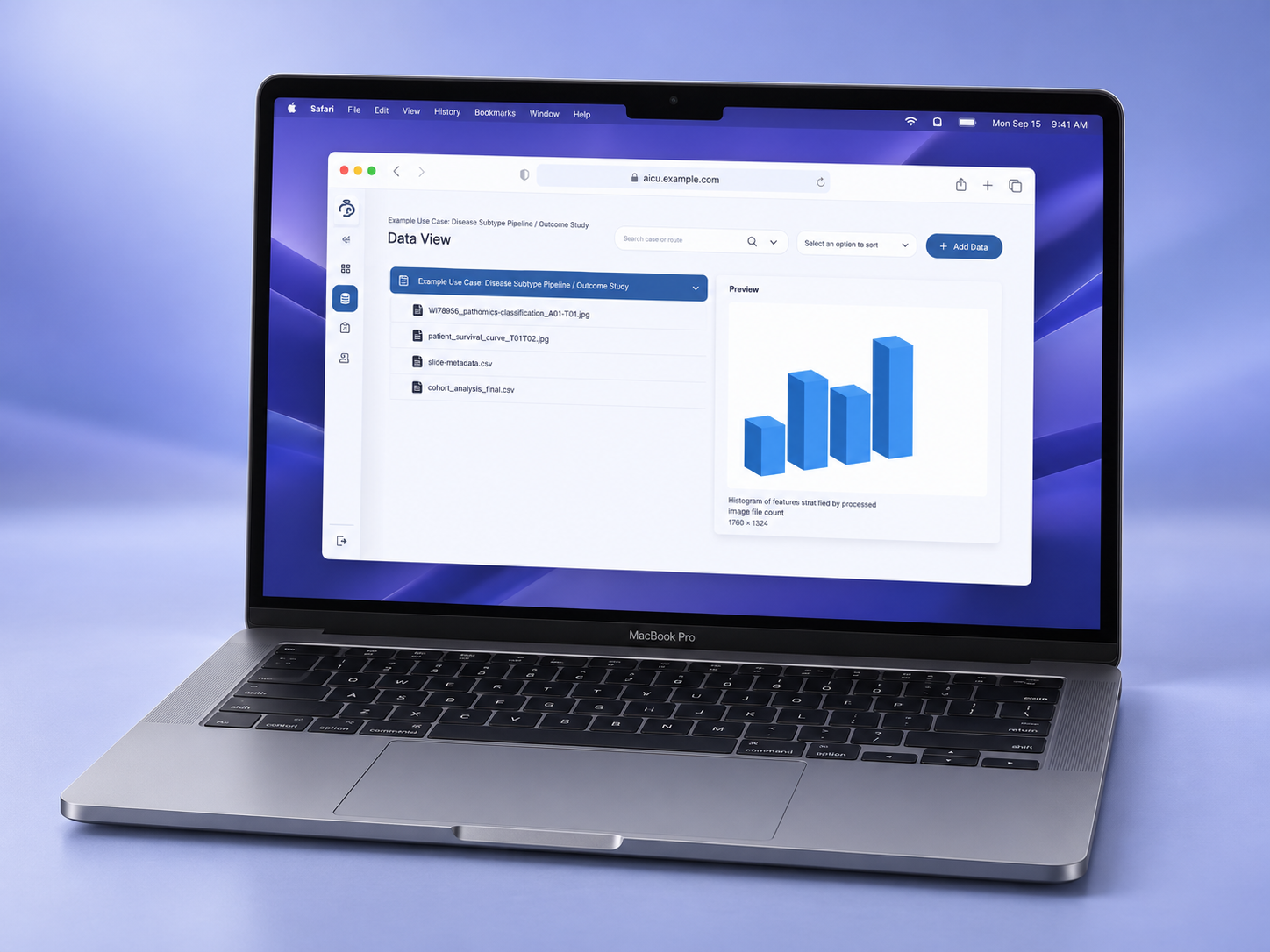
The product team gained connected workflows for data analysis and AI training. An additional prototype made a node-based product approach available to explore and test.
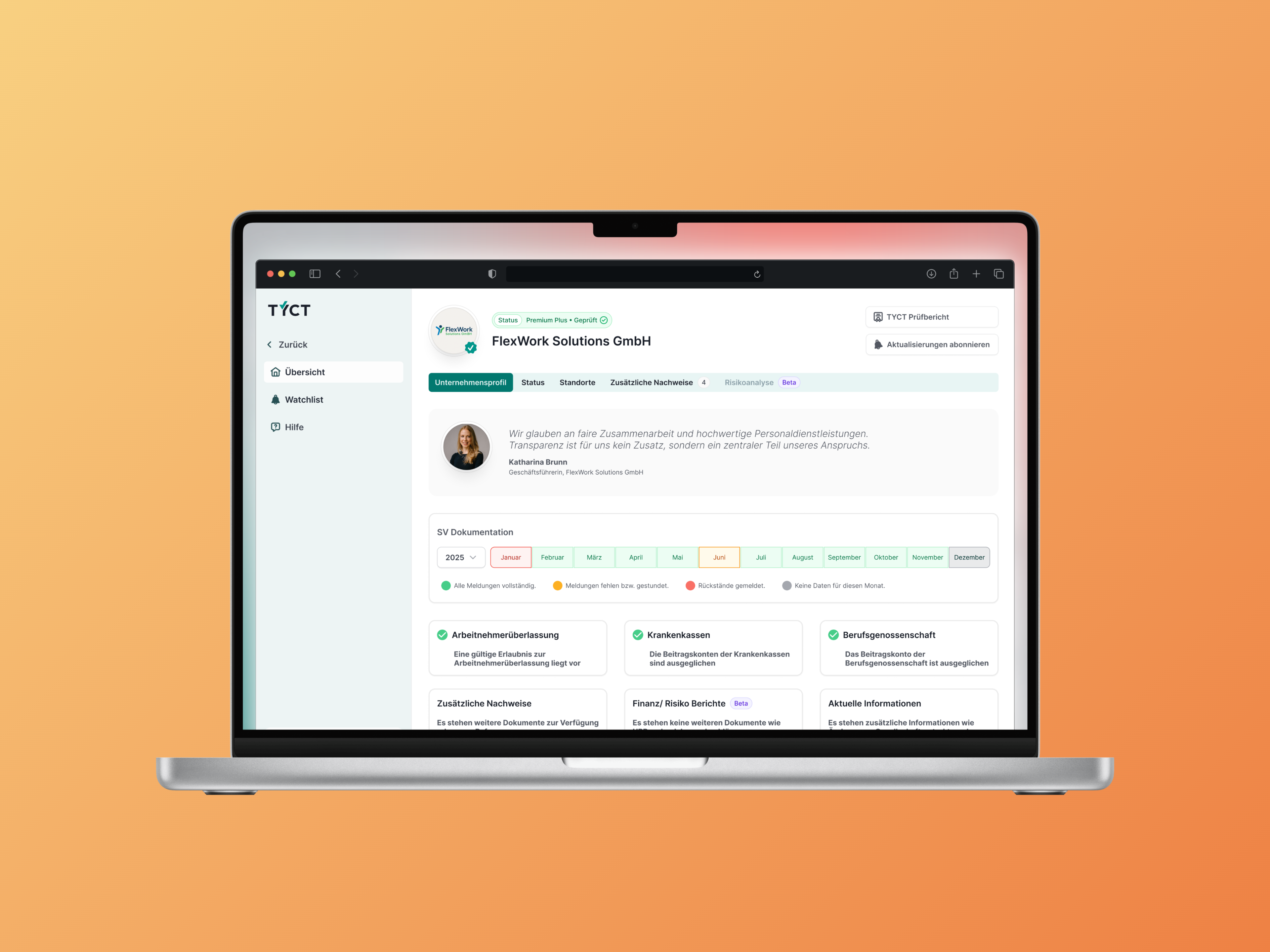
Development could build on implemented UI components. Recurring elements did not need to be redesigned for every verification workflow.
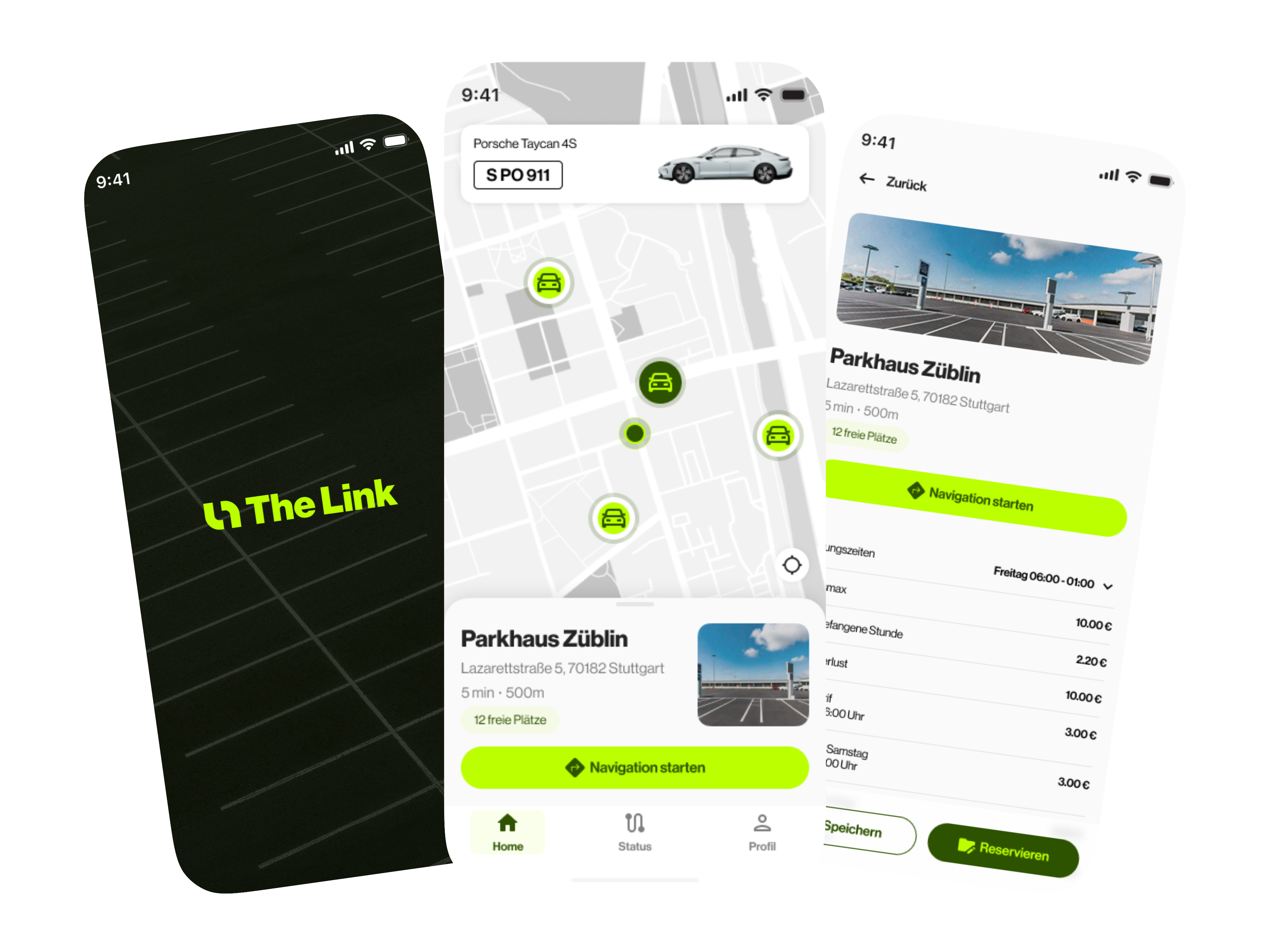
In around seven working days, a brand and reservation prototype was ready for partner presentations, without first having to build a finished app.