At home
Explore.
Search. Prepare.
Browse offers, search for products, maintain lists and prepare a shopping trip.
The next shopping trip
The product team received an in-store-tested concept for digital assistance at the shelf. Interviews and prototype tests showed which information customers needed and where getting started, scanning and comparing products still presented obstacles.
The app was intended to support customers shopping in store. Discussions with the product team led to the idea of a Store Mode. We first needed to define and test which features would be useful in that context.
As a freelance Senior UX Consultant, I reviewed the existing app, conducted in-store interviews and developed the foundation for Store Mode with the Media Markt Saturn product team. My responsibilities covered UX concepts, prototypes and detailed flows.
I reviewed the app, interviewed customers in store and facilitated workshops with the product team. This led to Store Mode: digital assistance tailored to in-store shopping. I used feedback from the stores to develop the designs further.
The product team received a detailed, tested Store Mode concept to build on. The subsequent rollout brought digital shopping features into stores; it took place after my engagement had ended.
01 Understanding the context
Store Mode starts with the people in the store.
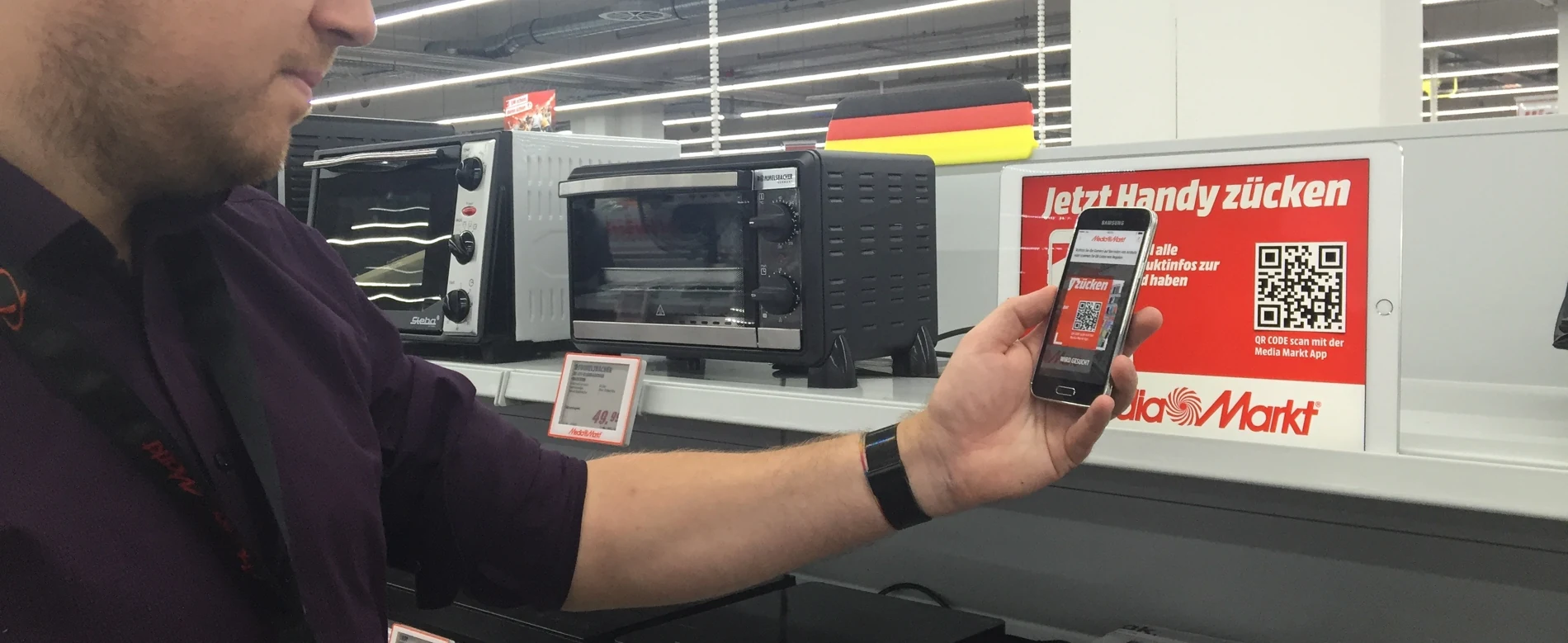
I began by reviewing the existing app and proposing UX improvements. We also used our proximity to the MediaMarkt store in Ingolstadt to talk to customers and test concepts in the shopping environment.
Those conversations revealed specific needs: advice, product information and comparisons with available alternatives. Later concept tests showed that the in-store assortment mattered more than initially expected.
The product questionHow can the app help at the moment a customer is standing in front of a product?
02 Building shared understanding
Before defining features, we made needs and assumptions explicit.
I ran Value Proposition Design and persona workshops with the product team. We distilled customer motivations into mini-personas, completed Value Proposition Canvases and formulated hypotheses about customer value.
This gave us a concrete question for each product idea: who would benefit from this feature, and which need would it address?
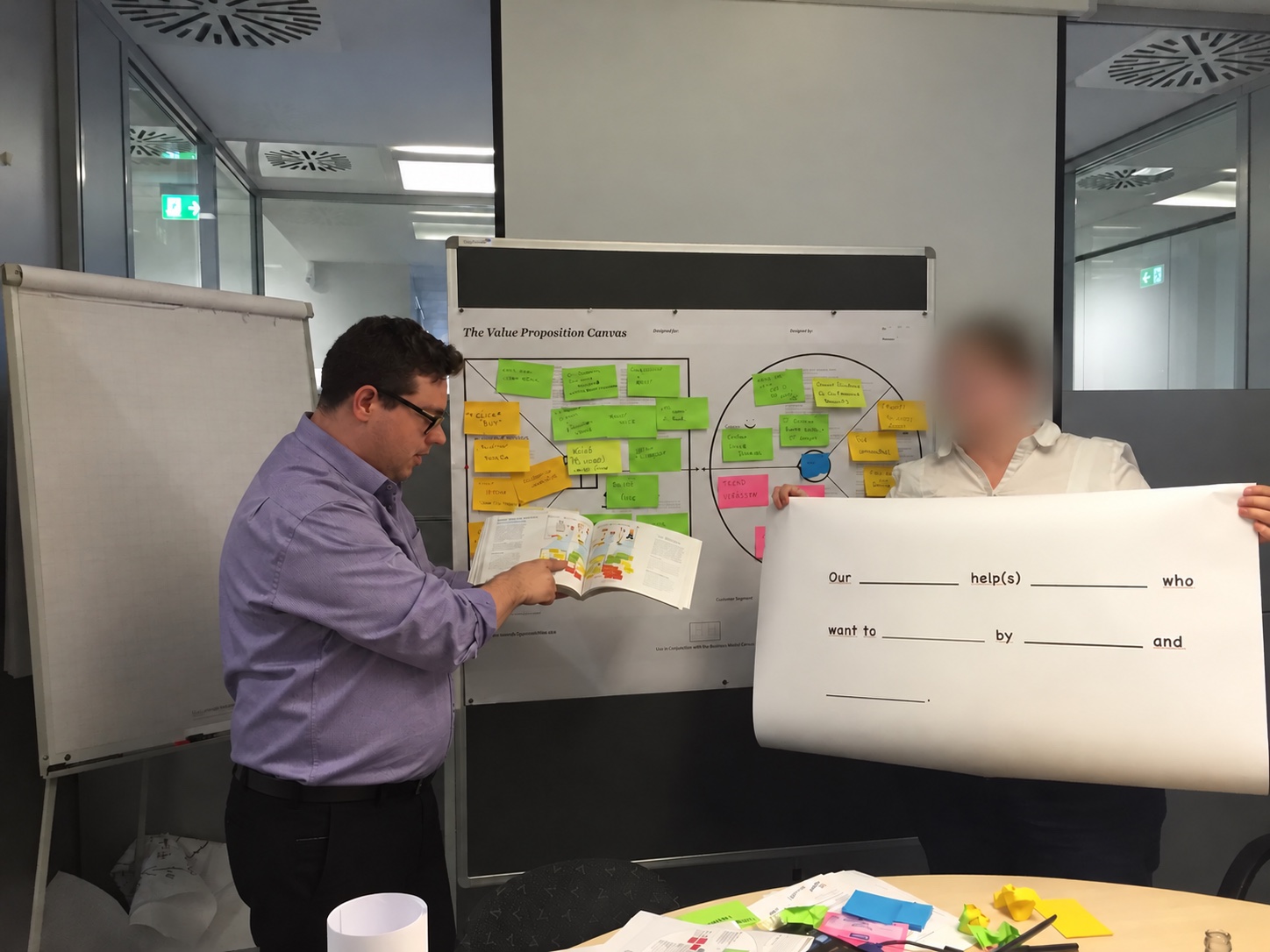

The mini-personas and hypotheses were working models for discussing ideas and making them specific enough to test.
03 Product concept
Store Mode would adapt the experience to shopping in store.
At home
Browse offers, search for products, maintain lists and prepare a shopping trip.
In store
Use product information, reviews and alternatives at the point of decision.
The digital shelf concept
Bringing digital filters and comparisons to the physical shelf.
I proposed a scannable shelf that would add digital selection tools to the store. One example: standing in front of the printers, filtering for AirPrint support and sorting suitable models by price.
Later documents show the shift from scanning a shelf to scanning a product. The individual item and its price label became the starting point.
04 Testing with customers
The tests revealed both the value customers wanted and friction in the flow.
15 customer interviews
High-fidelity prototype focused on shelf scanning
18 customers interviewed
Proof-of-concept app with barcode scanning on price labels
Exploratory in-store tests. In Nuremberg, two additional people who did not use smartphones were also recorded.
Customers wanted product information and comparisons. But useful features alone were not enough: the entry points and interactions also needed to be clear. The Nuremberg findings document three specific problems.
Finding 01
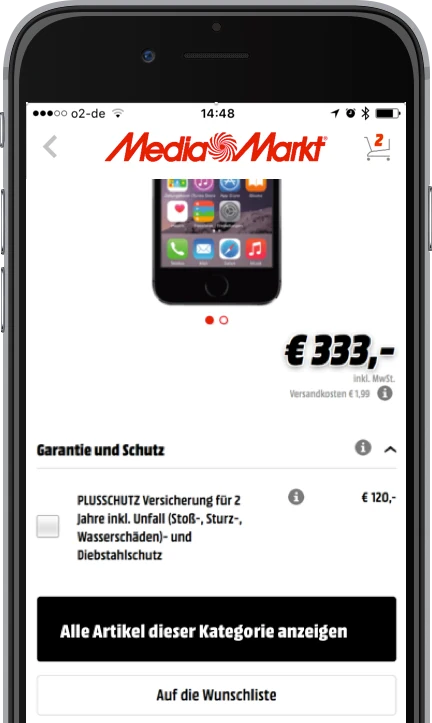
The entry point to other items in the same category was not noticeable enough on the product detail page.
Finding 02
Customers wanted the feature, but its flow did not yet fit the Store Mode context well enough.
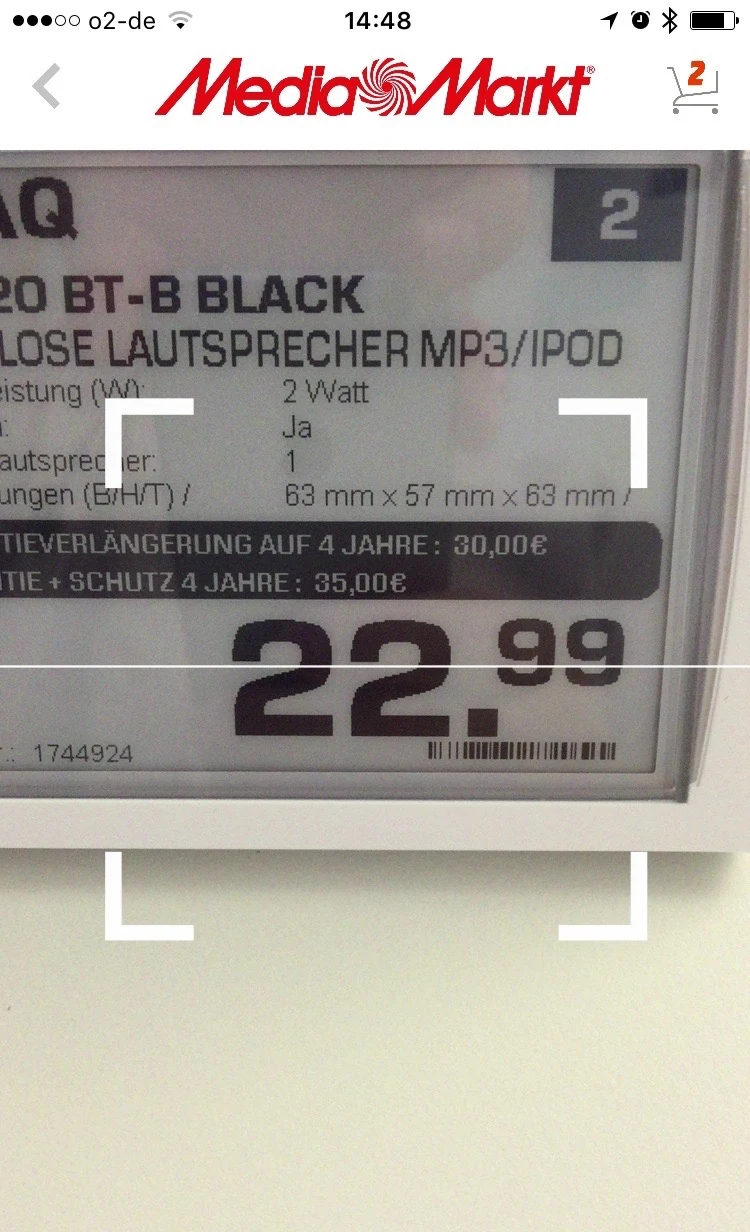
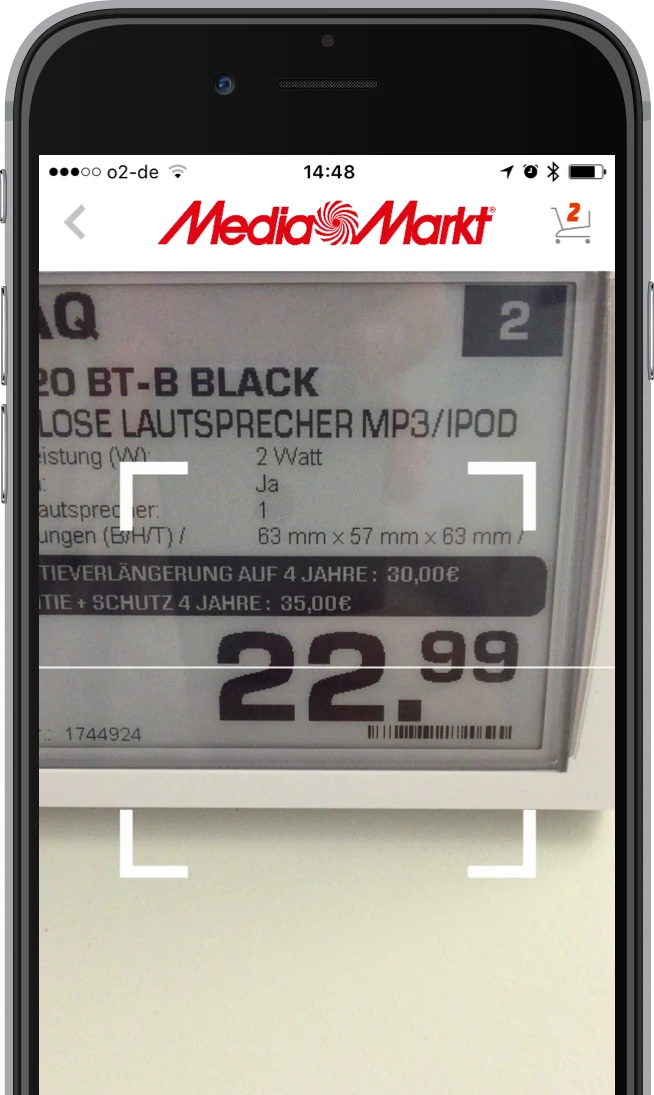
Finding 03
It was unclear which barcode or part of the price label the camera should capture.
Original screens from the test findings. They show the design tested at the time, not the current app.
05 Detailed design
The experience takes shape between screens.
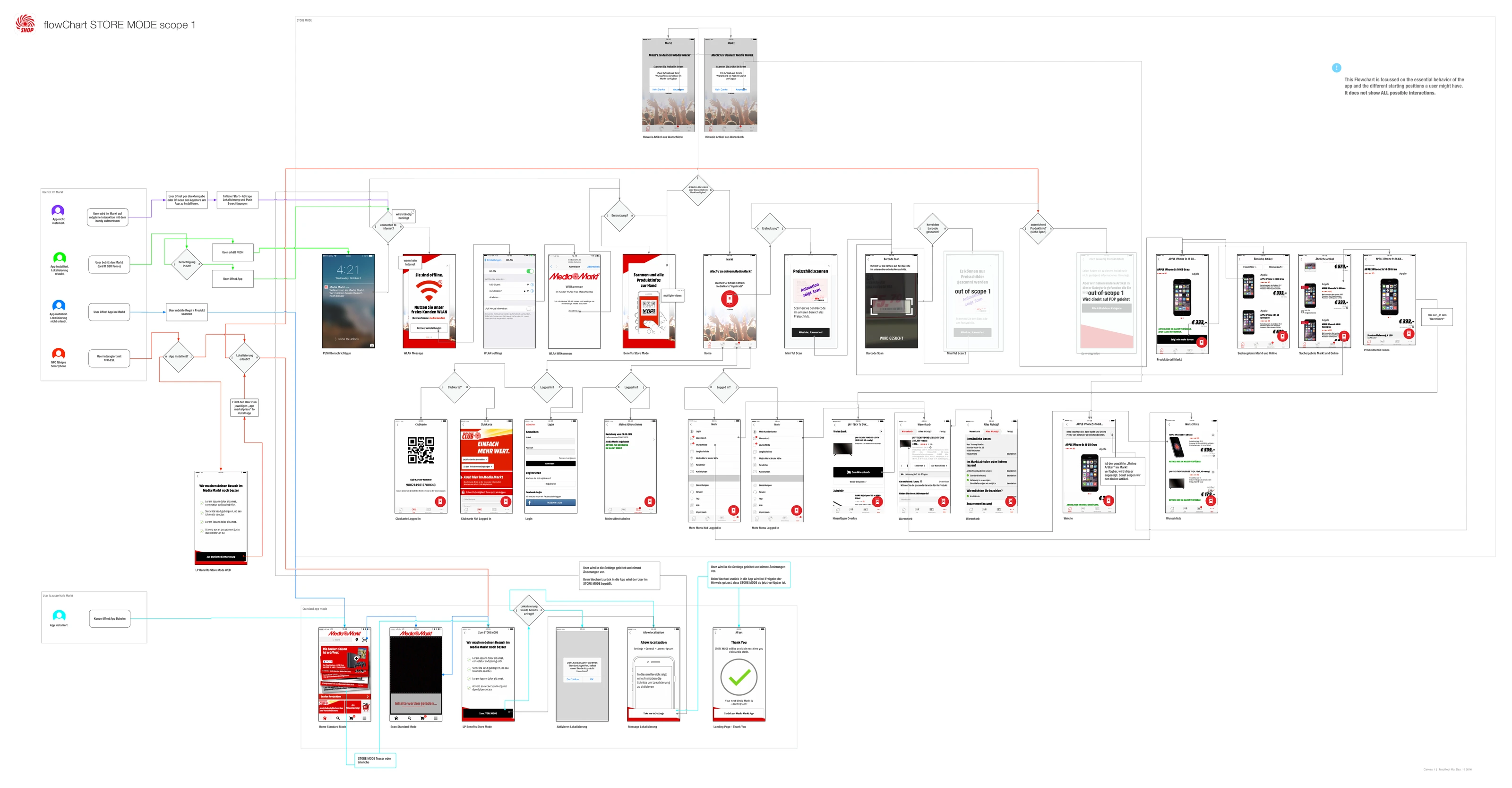
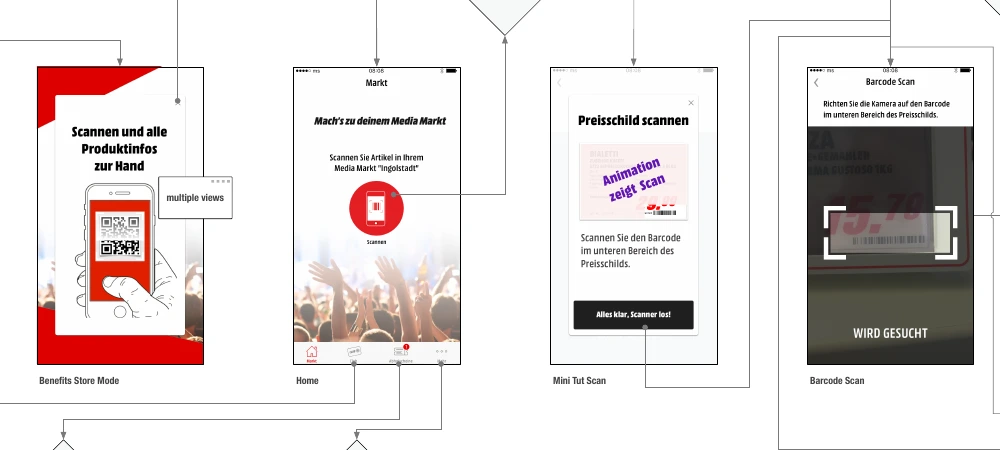
I translated the Store Mode idea into flows and interaction details. The complete flow connects different entry points with permissions, the store home, scanning, product views and next steps. It also makes the boundaries of the initial scope explicit.
The detail below shows how a later iteration introduces the value and guides customers into scanning: from the promise through the store view and a tutorial to the camera.
What my work delivered
The product team received a detailed Store Mode concept and concrete findings from in-store tests. The intended value was documented: product information, comparison and alternatives. Obstacles in scanning and interaction were documented as well. Flows and interaction details formed the foundation for further implementation.
Interviews, mini-personas and value hypotheses as a foundation for product work.
Prototypes and in-store tests that revealed needs and usability problems.
Flows and interaction details covering entry points, states and scope boundaries.
Store Mode was rolled out after my engagement ended. This case describes my contribution to research, concept development and detailed design through handover.
What I took from it
An in-store service needs
a clear product
and a place in everyday use.
For me, a launch also means making the value visible and involving store teams. In later projects, close collaboration with development became particularly important so the concept could continue to evolve during implementation.
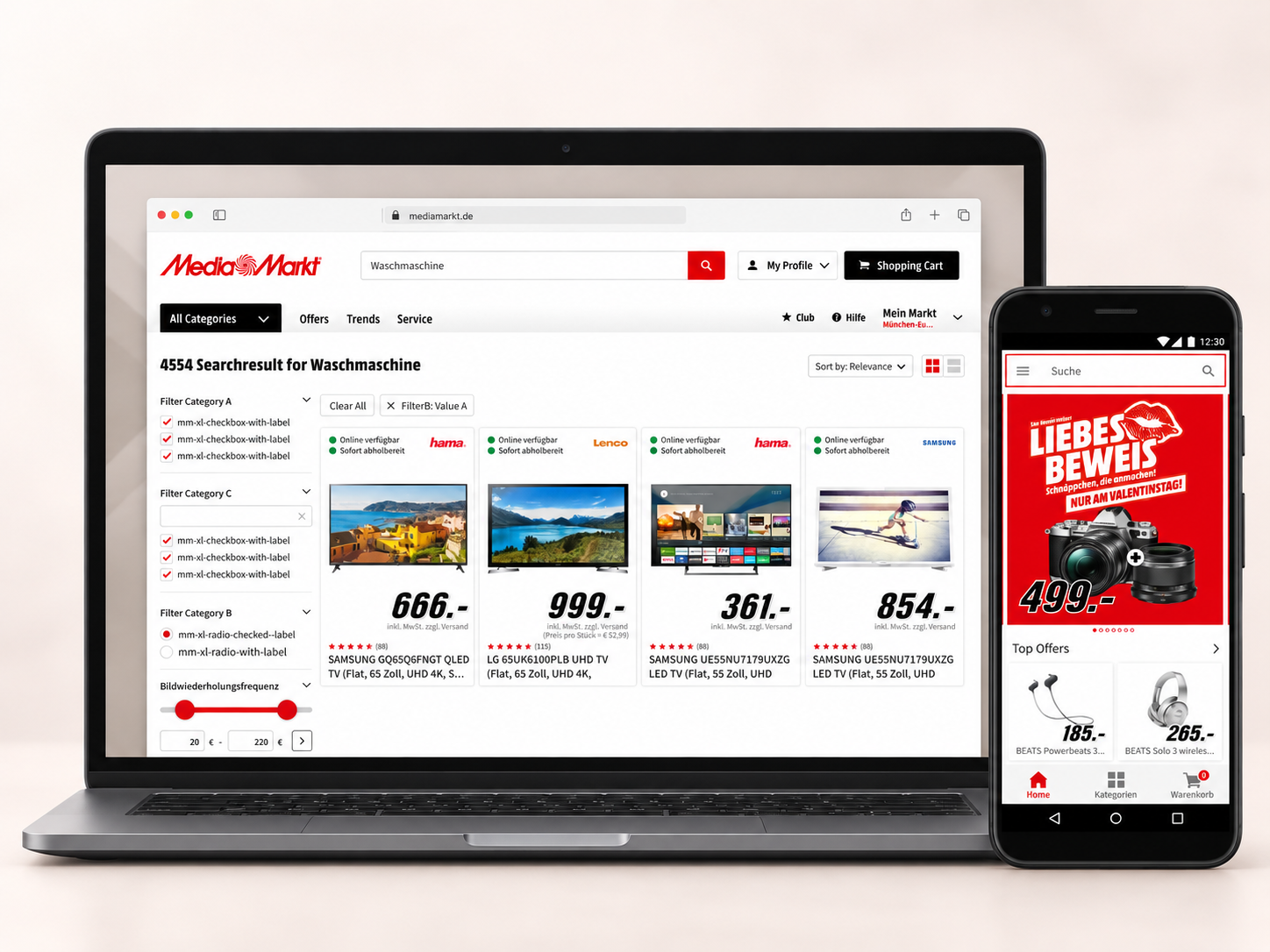
In the follow-up test, the selected app home achieved higher conversion than the original. The work also included a UX redesign of the entire webshop search experience.
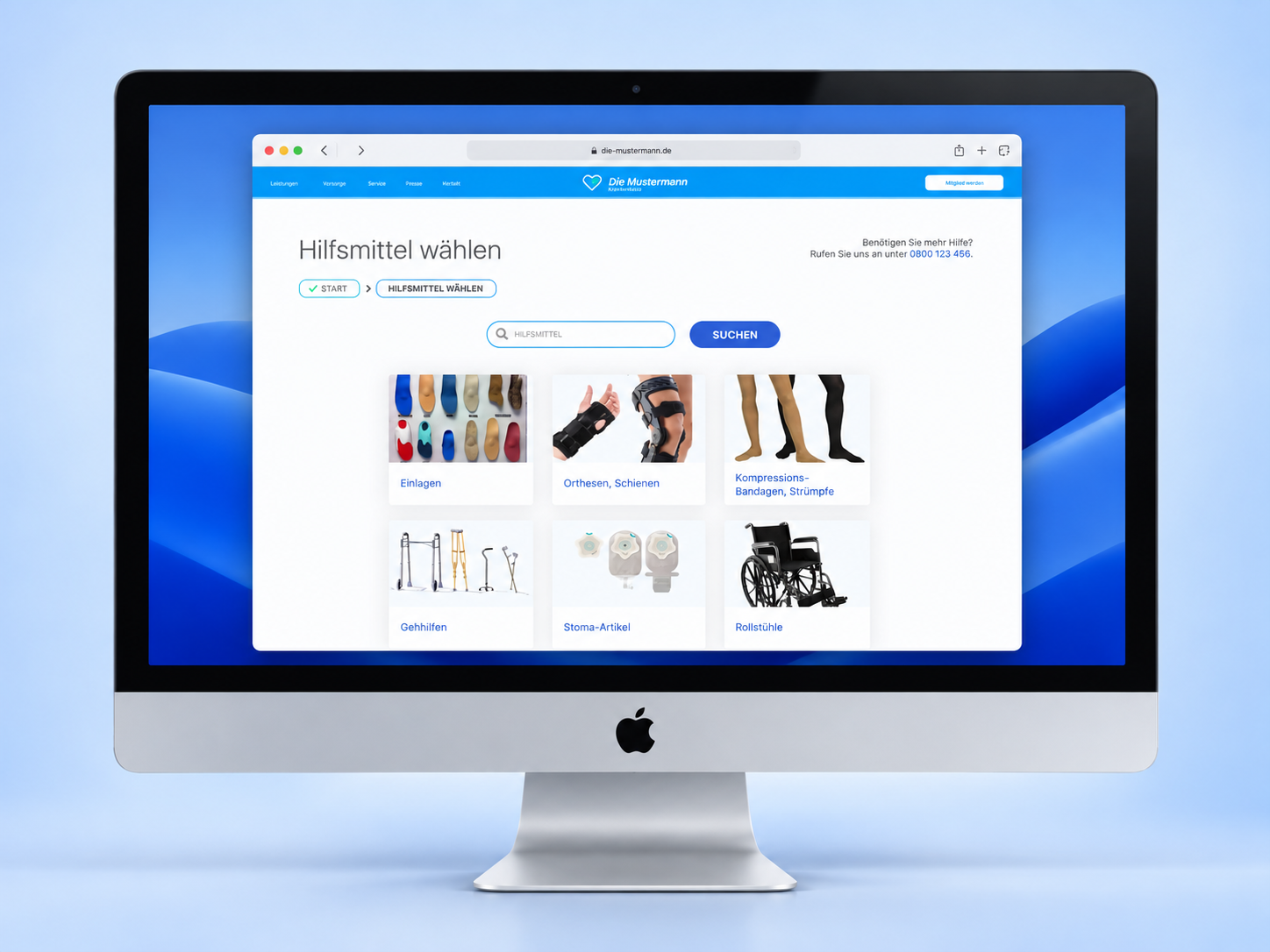
An idea became a live service for choosing medical aids and finding providers. Findings from GWQ’s user tests informed navigation improvements before launch.
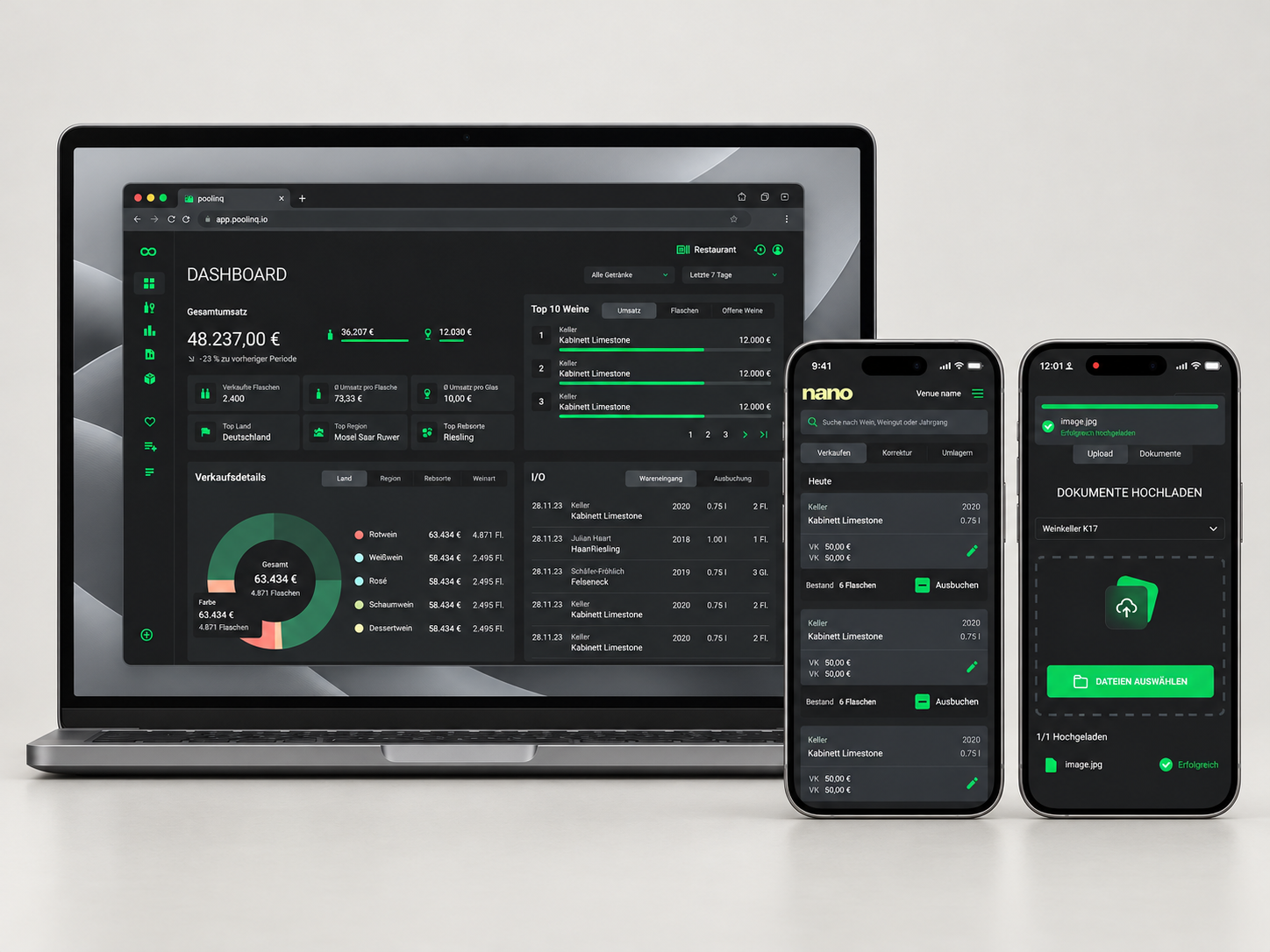
Less manual data entry when goods arrive: Drop uses AI to transfer invoice data into inventory management. Shared components provide a foundation for further product development.